



How Rolling Update Mechanisms Save Odoo SaaS Platforms from Failed Releases
Odoo
5 MIN READ
February 5, 2026

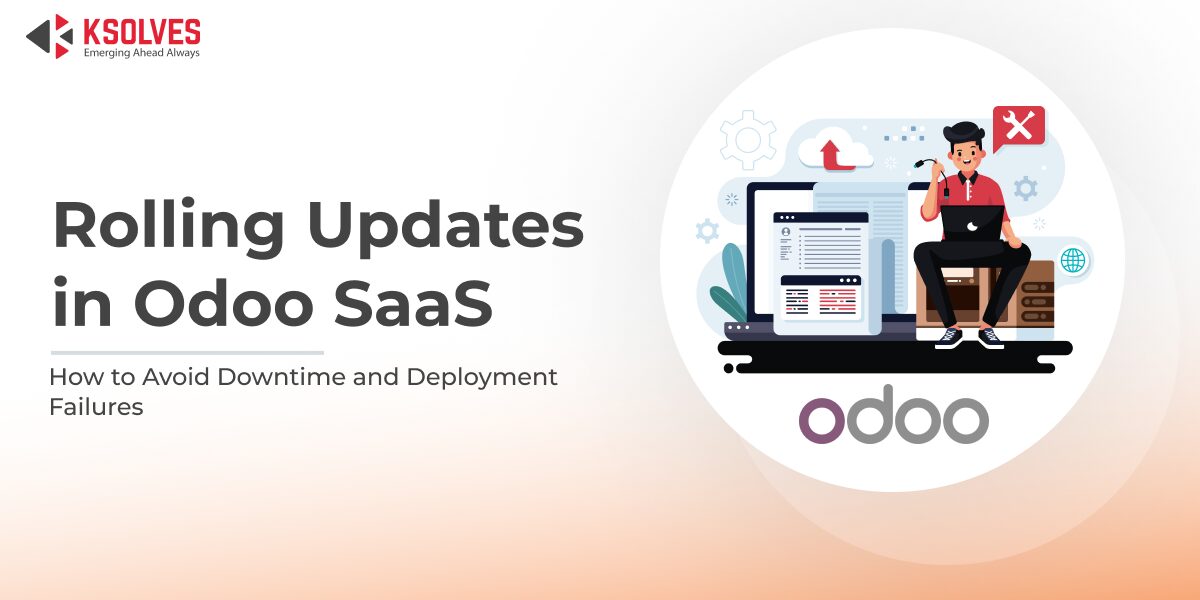
Have you ever wondered what happens when an Odoo SaaS update goes wrong and the entire platform goes offline? For businesses relying on Odoo for sales, accounting, inventory, and CRM, even a few minutes of downtime can disrupt operations, frustrate users, and impact revenue.
This is a common challenge in SaaS deployments, and the solution lies in rolling updates, a deployment strategy that ensures updates happen safely, gradually, and without interrupting ongoing business operations.
What Are Rolling Updates in Odoo SaaS?
A rolling update is a deployment feature where a new version of the application is updated gradually, one subset of instances at a time, instead of taking the entire system offline.
In an Odoo SaaS environment, rolling updates rely on:
- Multiple Odoo application instances (pods or containers) running simultaneously.
- A load balancer that distributes traffic across healthy instances.
- Automated health checks to verify that each updated instance works correctly.
- A CI/CD pipeline that controls the update flow safely and efficiently.
This approach allows updates, bug fixes, and new features to be deployed without taking the entire platform offline, ensuring users continue their work uninterrupted.
Problems Without Rolling Updates in Odoo SaaS
If rolling updates are not implemented, updates are usually applied all at once, which can cause several issues:
- Downtime for All Users
-
- The entire Odoo SaaS instance may go offline during the update.
- Users cannot access CRM, sales, accounting, or other modules until the update finishes.
- High Risk of Deployment Failure
-
- If the new version has a bug, it affects all customers simultaneously.
- Rolling back becomes difficult, causing longer outages.
- User Frustration and Business Impact
-
- Transactions, invoices, or critical workflows may fail during downtime.
- Leads to customer dissatisfaction and operational losses.
- Data Loss or Inconsistency
-
- Abrupt updates can disrupt active database transactions, causing errors or incomplete operations.
- Abrupt updates can disrupt active database transactions, causing errors or incomplete operations.
Example Scenario
Consider a SaaS provider updating Odoo from version 16 to 16.1 for 10,000 customers:
- Without Rolling Updates: All 100 instances of Odoo are updated simultaneously. The update fails on 30 instances due to a bug, leading to total downtime. All customers are impacted, and restoring service takes hours.
- With Rolling Updates: With rolling updates, the new version is deployed to only a few instances first. Health checks monitor these instances and catch any issues early. If a problem is detected, the rollout is paused, so only a small number of users are affected. After the issue is fixed, the update is safely deployed to the remaining instances.
Outcome: Most users continue working without interruption, issues are resolved quickly, and overall service remains uninterrupted.
Benefits of Rolling Updates for Odoo SaaS Toolkit
- Smooth Updates: Users experience zero or minimal downtime.
- Early Detection of Issues: Smaller batches help catch bugs before they affect everyone.
- Improved Reliability: Reduces the risk and impact of failed deployments.
- Better Customer Experience: Continuous uptime strengthens trust and satisfaction.
How Ksolves Odoo SaaS Solves This
Recognizing the challenges of downtime and deployment failures, Ksolves Odoo SaaS has implemented a rolling update feature.
With this feature, updates are applied incrementally, allowing:
- Early detection of potential issues.
- Minimal impact on live users.
- Quick rollback if needed without affecting all customers.
This ensures businesses can always access their Odoo applications reliably while staying up-to-date with the latest features and improvements.
What is Ksolves Odoo SaaS, and what are its benefits?
Ksolves has come up with an Odoo SaaS platform equipped with outstanding features like rolling updates, CI/CD, high scalability, and many more features to make your Odoo hosting efficient. The Ksolves Odoo SaaS has been specifically designed to resolve the key issue of traditional Odoo SaaS platforms.
To understand why you should choose Ksolves Odoo SaaS over a traditional platform, read the blog https://ksolvescloud.com/blog/odoo/traditional-hosting-vs-ksolves-odoo-saas
Conclusion
Rolling update is not an optional feature; it’s a necessity for modern SaaS platforms. By gradually updating instances, SaaS providers can reduce downtime, mitigate risks, and enhance the user experience. With Ksolves, Odoo SaaS users can now enjoy smooth, uninterrupted updates without compromising business operations. If you want to understand how the Ksolves Odoo Saas toolkit works and its key features and benefits, click the link
































AUTHOR
Odoo
Neha Negi, Presales and Business Associate Head at Ksolves is a results-driven ERP consultant with over 8 years of expertise in designing and implementing tailored ERP solutions. She has a proven track record of leading successful projects from concept to completion, driving organizational efficiency and success.
Share with