



Why Role-Based Access Control Is Critical for Modern ERP Systems
Odoo
5 MIN READ
February 10, 2026

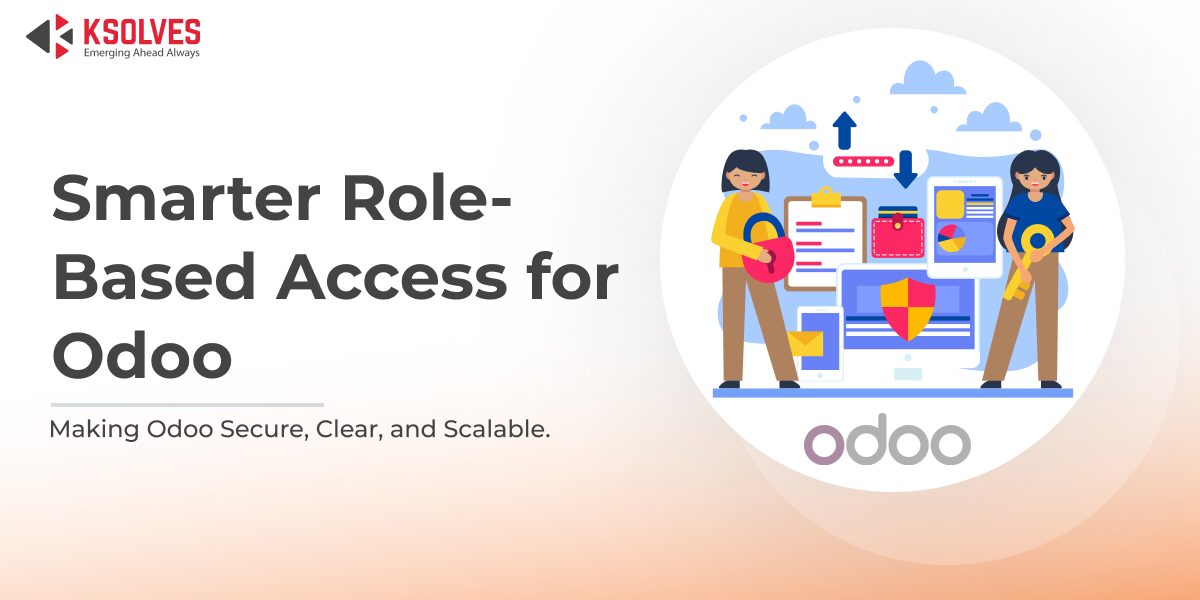
Whether you are running a business with 30 employees or 3000 employees, not everyone can or should have the same level of access to your ERP system.
A sales lead may need temporary access to a financial report to close a deal. HR might need visibility into an employee record, but not the internal chatter attached to it. During audits or month-end closing, access patterns change again.
These situations are normal in growing organizations. What is not normal is how often ERP access is handled as a one-time setup instead of an ongoing management responsibility.
Most leadership teams only notice access control when something goes wrong. A report is visible to the wrong role. A former responsibility still has active permissions. An admin hesitates to change access because one wrong move could break something else.
This is exactly where role-based access control becomes critical. In modern ERP systems, RBAC is not just about security. It is about control, clarity, and the ability to scale without losing oversight.
In this blog, we will break down why role-based access control matters in ERP systems, how Odoo handles access control at its core, where challenges start appearing as businesses scale, and how access management can be simplified without compromising security. At the end of the blog, we share expert-led industry examples showing how organizations across different industries have approached role-based access management.
What Is Role-Based Access Control in ERP Systems
Role-based access control, commonly referred to as RBAC, is a way of managing who can see and do what inside an ERP system based on a user’s role in the organization.
Instead of giving permissions to individuals one by one, access is grouped by roles such as sales, finance, HR, or operations. Each role defines what data a user can view, edit, create, or delete. When a user’s role changes, their access should ideally change with it.
In an ERP system, this matters because the same record is often used by multiple teams for different purposes. A sales team may need to view an invoice, finance needs to edit it, and leadership needs reporting access without operational control. RBAC helps enforce these boundaries without duplicating data or creating separate systems.
RBAC is also critical for reducing risk. Over-permissioned users increase the chances of accidental data changes, compliance issues, and internal security gaps. Under-permissioned users slow teams down and increase dependency on administrators.
As organizations grow, RBAC becomes less about basic security and more about operational efficiency. The challenge is not whether to control access, but how to do it without making the system rigid or difficult to manage. Let’s look at these challenges in detail.
Also Read – Industry Use Cases for Access Manager Ninja
Top 5 Access Control Challenges in Odoo
1. Roles Are Static, Real Teams Are Not
In Odoo, access is tied to group membership. Once a user is added to a group, that access remains active until it is manually reviewed and removed. In real organizations, responsibilities and decision rights change more frequently than access configurations do.
A sales manager may temporarily approve finance documents or oversee operations during an absence. To enable this, admins add additional groups. When the responsibility ends, those permissions often stay because removing them feels risky. Over time, access accumulates and no longer reflects actual roles.
2. Limited Control Over What Users See
Odoo enforces access primarily at the data and record level, while interface visibility is configured separately through views, menus, and group-based settings. Users may not be allowed to perform certain actions, yet related buttons, actions, or options can still appear in views.
The action may fail due to underlying access restrictions, but the visibility of these options creates confusion and increases dependency on administrators.
3. Field-Level Access Is Not Designed for Admins
Odoo’s core access control is defined at the model level through access control lists, with field-level behavior typically managed through view logic. When organizations need to restrict individual fields, the setup typically requires technical configuration.
For example, hiding cost-related fields from non-finance users often requires developer mode, view changes, or adjustments to inherited groups. In practice, such changes often involve a Business Analyst or Odoo Support, highlighting that field-level control is not designed as a simple administrative configuration.
4. Exceptions Are Powerful but Risky
Record rules allow conditional access based on domains and business logic. While powerful, they are also sensitive.
A small mistake in a record rule can unintentionally expose data across departments or companies. Because of this risk, record rules are typically used sparingly and managed only by experienced functional or technical administrators, even when business scenarios demand more flexibility.
5. No Native Support for Temporary or Profile-Based Access
Odoo does not natively offer access profiles, time-bound permissions, or temporary role activation. Each user has one active combination of groups at any given time.
If a user needs different access during audits, month-end closing, or project-based work, admins must manually add and remove groups each time. This increases the likelihood of over-permissioning and inconsistent access control.
Also Read – Efficiently Manage Model Access Permissions in Odoo with Access Manager Ninja
How Access Manager Ninja Strengthens RBAC in Odoo
Access Manager Ninja is built specifically to extend role-based access control in Odoo. It works on top of Odoo’s existing security model and does not replace users, groups, or record rules.
Instead, AMN introduces profile-based access management, allowing administrators to manage roles the way organizations actually operate.
1. Role Profiles Instead of Permanent Group Changes
AMN allows admins to create reusable access profiles that bundle permissions logically. Multiple profiles can be assigned to a single user and activated or blocked as needed.
This makes temporary access, cross-functional responsibilities, and audits easier to manage without modifying core Odoo groups.
2. UI-Level Role Enforcement
Access Manager Ninja adds structured, role-driven control over interface visibility, while continuing to rely on Odoo’s existing permission checks for data security.
Admins can hide menus, sub-menus, buttons, tabs, chatter, filters, and group-by options based on role. This keeps the interface clean, reduces confusion, and prevents accidental actions, while Odoo’s core permissions continue to protect the data.
3. Granular Role Permissions Across Models and Fields
AMN allows admins to define role-based permissions for models and actions such as create, edit, delete, export, duplicate, and archive.
At the field level, admins can make fields invisible, read-only, required, or remove external links, all without developer mode. This makes it easier to protect sensitive data while keeping records accessible.
4. Dynamic and Multi-Company Role Control
Access Manager Ninja supports domain-based restrictions and company-wise rules, allowing roles to behave consistently across multi-company environments.
This reduces reliance on fragile record rule changes and improves governance in complex setups.
5. Built for Security and Administration
AMN also strengthens security operations by supporting password expiration, activity tracking, and controlled admin login access. These features complement role-based access control by improving visibility and accountability.
Also Read – Mastering Odoo Security: Simplify User Permissions with Advanced Access Management
See How Teams Use Access Manager Ninja with Odoo
In one Odoo deployment at a growing insurance company, access control became increasingly difficult to manage as teams expanded across underwriting, finance, claims, HR, and IT.
Odoo’s group-based access control was sufficient at an early stage. Over time, however, frequent role changes, temporary responsibilities, and compliance requirements led to broader permissions being assigned to users to avoid operational delays. Removing those permissions later was avoided due to the risk of disrupting system access.
As a result, access no longer reflected current responsibilities. Users could see more data, menus, and actions than required for their role, and access reviews required manual verification.
By introducing a profile-based RBAC layer on top of Odoo, access could be structured around roles rather than individuals. Temporary access was handled through profile activation instead of direct group changes, and interface visibility was aligned with responsibilities.
Odoo’s core security model remained unchanged. The improvement was in how access was managed, reviewed, and adjusted over time.
A detailed breakdown of this implementation is available in the full case study: https://www.ksolves.com/case-studies/odoo/enterprise-grade-access-control-with-access-manager-ninja
Conclusion
Role-based access control is not a feature you add when something goes wrong. It is a system you put in place before complexity starts slowing you down.
Odoo does a solid job of covering the fundamentals. Its group-based access, model permissions, and record rules are enough when teams are small and roles are stable. But as organizations grow, roles overlap, responsibilities change temporarily, and compliance expectations rise. At that point, managing access through static groups becomes operationally risky and time-consuming.
This is where Access Manager Ninja fits in naturally. AMN does not replace Odoo’s security model. It builds on it. By introducing profile-based access, UI-level control, field-level visibility, and temporary role activation, it allows teams to manage access the way organizations actually work.
For leadership teams, the value is not just tighter security, it is clarity. Knowing who can access what, for how long, and why. That clarity reduces risk, simplifies audits, and removes access management from the list of recurring operational headaches.
As Odoo continues to scale with your business, access control should scale with it too, without forcing constant manual intervention or technical rework.
































AUTHOR
Odoo
Neha Negi, Presales and Business Associate Head at Ksolves is a results-driven ERP consultant with over 8 years of expertise in designing and implementing tailored ERP solutions. She has a proven track record of leading successful projects from concept to completion, driving organizational efficiency and success.
Share with