



Snowflake External Tables vs Iceberg Tables: Key Differences & Use Cases
Big Data
5 MIN READ
May 22, 2026

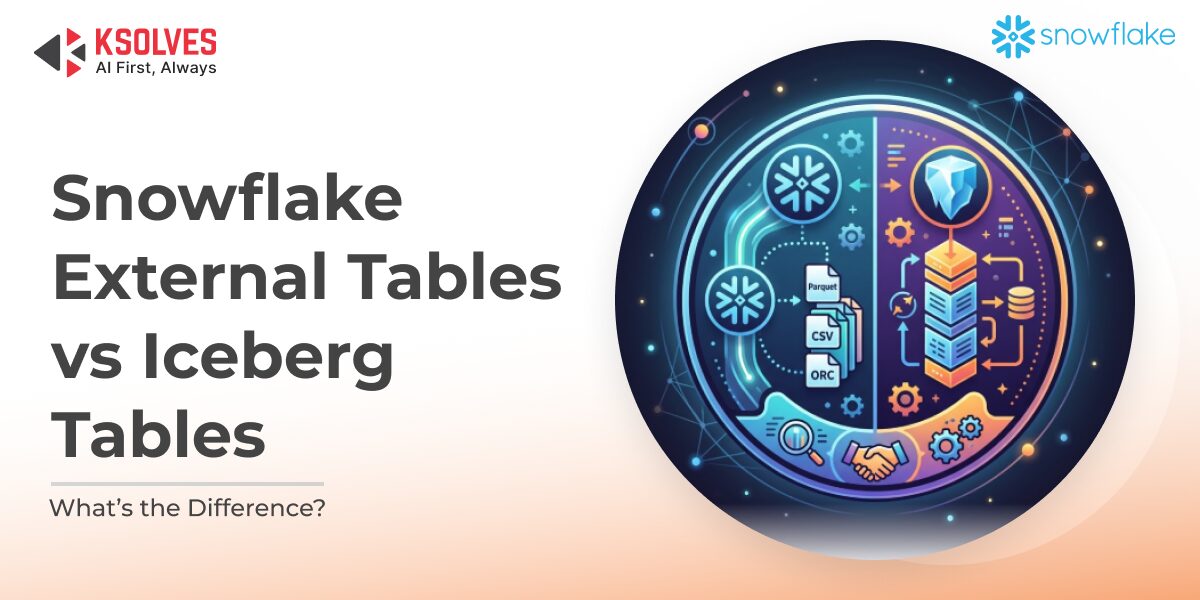
businesses. With the explosion of cloud data platforms, companies are no longer limited to choosing between performance and flexibility; they want both. Snowflake has emerged as a leader in this space by giving organizations multiple options for handling internal and external datasets. Two of the most common approaches are External Tables and Iceberg Tables. While they may appear similar because both work with data outside Snowflake’s core storage, their design, functionality, and use cases are very different.
In this blog, we’ll unpack how External and Iceberg Tables work, highlight their unique strengths, and guide you on when to use each for maximum efficiency.
What Are Snowflake External Tables?
External Tables allow you to extend Snowflake’s analytical power to data stored in external cloud storage systems such as Amazon S3, Azure Blob Storage, or Google Cloud Storage. Instead of ingesting and copying this data into Snowflake, you can query it in place.
Key Highlights:
- Snowflake only stores lightweight metadata such as filenames, paths, and version identifiers, while the actual data stays in cloud storage.
- Compatible with multiple file formats that Snowflake supports through the COPY INTO command.
- Strictly read-only, meaning you cannot run DML operations (INSERT, UPDATE, DELETE).
- Queries may be slower because metadata is resolved dynamically at query runtime.
- Materialized views can significantly boost performance for recurring queries.
When to Use External Tables:
- For exploring raw data files stored in a data lake without needing ingestion.
- Ideal for schema-on-read workloads, especially with unstructured or semi-structured data.
- When cost control is a priority, and you want to avoid unnecessary storage duplication.
- Great for ad-hoc analytics or one-time investigations of external datasets.
What Are Snowflake Iceberg Tables?
Snowflake Iceberg Tables are powered by the Apache Iceberg open table format, which was built to bring order and reliability to massive data lakes. Iceberg adds features that external tables lack, such as ACID transactions, schema evolution, and table snapshots. With Iceberg Tables, organizations can unify the flexibility of external storage with the governance, performance, and advanced capabilities of Snowflake.
Key Highlights:
- Provide full ACID compliance, making them reliable for complex or concurrent operations.
- Support schema evolution with complete version tracking, giving businesses the agility to adapt to change.
- Enable time travel with snapshots, allowing queries on previous versions of a dataset.
- Store data in open formats on external storage while maintaining compatibility with other engines, such as Spark, Hive, and Presto.
- Can be managed either through Snowflake’s internal catalog or an external catalog (AWS Glue, ObjectStore).
When to Use Iceberg Tables:
- For multi-engine ecosystems, where different tools and platforms share and update the same dataset.
- When reliability and consistency are critical, ACID transaction support.
- For advanced analytics pipelines, data lakehouse strategies, and enterprise-scale governance.
- When adopting a data lakehouse approach and standardizing on Iceberg for cross-platform interoperability.
Snowflake External Tables vs. Iceberg Tables: Key Differences |
||
| Feature | Snowflake External Tables | Iceberg Tables |
| Metadata Management | Basic file-level metadata | Rich metadata (schemas, partitions, snapshots) |
| ACID Transactions | Not supported | Fully supported |
| Schema Evolution | Schema-on-read only | Schema evolution with version tracking |
| Read/Write Support | Read-only | Supports DML operations |
| Setup Speed | Very fast (file registration only) | Slower (detailed metadata scan required) |
| Query Performance | Slower queries due to runtime metadata scan | Faster queries with pre-registered metadata |
| Multi-Engine Compatibility | Limited | High (works with Spark, Hive, Presto, etc.) |
Performance Comparison
External Tables: Quick to create since Snowflake only needs to register high-level file information. The trade-off is that queries can be slower, as metadata is resolved at runtime. For recurring queries or heavy workloads, creating materialized views can significantly improve performance and reduce latency.
Iceberg Tables: Require more time and resources to set up because Snowflake performs a full metadata scan and registration during creation. However, this upfront investment pays off—once created, queries run faster and more consistently, as the metadata is already organized and optimized. Partition awareness further enhances performance for large-scale analytical queries.—
Which Option Is Right for You?
- Choose External Tables if you need lightweight access to raw external data, prioritize simplicity and cost-efficiency, or want to experiment with schema-on-read analytics without additional data management.
- Choose Iceberg Tables if you need enterprise-level reliability, cross-platform compatibility, and governance features like ACID compliance, schema evolution, and time-travel queries.
Final Thoughts
Snowflake’s flexibility gives organizations the power to design data strategies that suit both short-term exploration and long-term governance. External Tables are perfect for quick insights and schema-on-read access to raw data, while Iceberg Tables are built for scalable, consistent, and multi-platform data lakehouse architectures. By understanding when and why to use each, you can unlock Snowflake’s full potential and build a data ecosystem that balances speed, governance, and future growth.
At Ksolves, we specialize in delivering comprehensive Snowflake consulting services and Iceberg support services tailored to modern business needs. From designing efficient External Table strategies to implementing Iceberg Tables for advanced data lakehouse architectures, our experts ensure you get maximum performance and scalability. Whether your goal is to optimize query speed, strengthen governance, or modernize your data platform, Ksolves provides end-to-end guidance and implementation support to help you succeed.
Frequently Asked Questions
What is the main difference between Snowflake External Tables and Iceberg Tables?
When should I use Snowflake Iceberg Tables instead of External Tables?
Do Snowflake Iceberg Tables support time travel and fail-safe like native tables?
Can other engines like Apache Spark or Flink read Snowflake Iceberg Tables?
What are the cost implications of switching from External Tables to Iceberg Tables in Snowflake?
How does Ksolves help businesses implement Snowflake Iceberg Tables?
What is the migration path from Snowflake External Tables to Iceberg Tables?
Have questions about your Snowflake table strategy? Contact our team for a free architecture consultation.


































AUTHOR
Big Data
Anil Kushwaha, Technology Head at Ksolves, is an expert in Big Data. With over 11 years at Ksolves, he has been pivotal in driving innovative, high-volume data solutions with technologies like Nifi, Cassandra, Spark, Hadoop, etc. Passionate about advancing tech, he ensures smooth data warehousing for client success through tailored, cutting-edge strategies.
Share with