



Key Stages in the iOS App Development Lifecycle
Mobile App Development
5 MIN READ
March 17, 2026

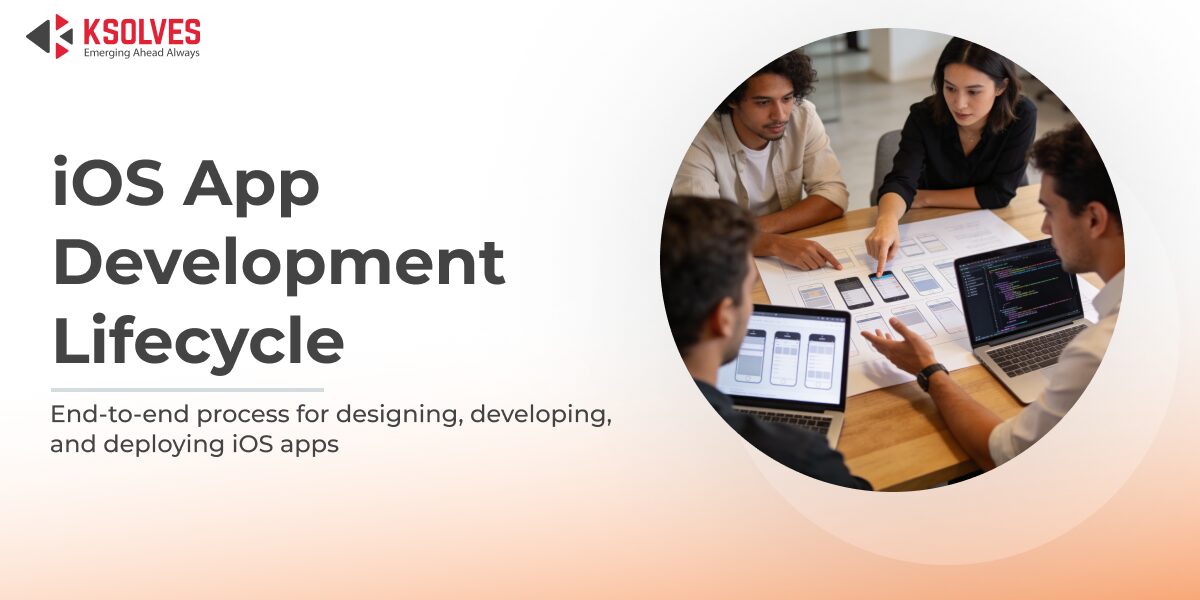
Developing a high-quality iOS application is a structured engineering process that goes far beyond interface design or Swift programming. Apple’s tightly controlled ecosystem, security expectations, and performance benchmarks require a well-defined iOS app development lifecycle. Each stage plays a critical role in ensuring the application is scalable, secure, and compliant with App Store standards.
This blog breaks down the key stages in the iOS app development lifecycle, focusing on technical decisions, tools, and real-world implementation examples.
Core Stages of the iOS App Development Lifecycle
1. Requirement Analysis and Technical Planning
The lifecycle begins with transforming business requirements into iOS-specific technical specifications. Unlike cross-platform apps, iOS applications must account for Apple frameworks, hardware capabilities, and OS-level restrictions.
Key technical considerations include:
- Minimum supported iOS version and device compatibility
- Required Apple frameworks such as CoreData, CloudKit, HealthKit, or ARKit
- Data security expectations including Keychain usage and encryption
- Performance targets and offline functionality
Example: A healthcare iOS app may require biometric authentication using Face ID, secure data storage via Keychain, and strict permission handling for health data access.
This stage establishes a technical roadmap that prevents costly redesigns later.
2. Architecture, Design and Technology Stack Selection
A scalable architecture is essential for long-term maintainability. iOS development teams commonly adopt patterns such as MVVM, Clean Architecture, or VIPER, depending on app complexity.
Key technical decisions involve:
- Choosing Swift as the primary language
- Selecting SwiftUI or UIKit for UI development
- Implementing dependency injection
- Defining networking and persistence layers
Example: An enterprise iOS application using MVVM separates SwiftUI views from business logic in ViewModels, while API interactions are handled through repository classes using URLSession and async await.
Well-defined architecture improves testability and code reuse.
3. UI and UX Engineering with Apple Guidelines
iOS UI development must strictly follow Apple’s Human Interface Guidelines to ensure usability and App Store approval. This stage focuses on translating designs into responsive, accessible, and adaptive interfaces.
Key technical tasks include:
- Implementing layouts using Auto Layout or SwiftUI stacks
- Supporting Dark Mode and Dynamic Type
- Ensuring VoiceOver and accessibility labels
- Adapting UI for iPhone and iPad devices
Example: A finance app implementing Dynamic Type allows users to increase text size without breaking layout constraints, improving accessibility and compliance.
SwiftUI previews and Xcode Interface Builder are widely used for faster UI validation.
4. Core Development and Feature Implementation
This stage involves building application logic, workflows, and integrations. iOS developers must handle memory management, threading, and system lifecycle events carefully.
Core development tasks include:
- REST or GraphQL API integration
- Push notifications using Apple Push Notification service
- Background tasks and state restoration
- Local caching and offline data handling
Example: A ride-hailing iOS app integrates CoreLocation for real-time tracking, MapKit for route visualization, and background execution to maintain location updates during active rides.
Code safety, optimized threading, and efficient resource usage are critical here.
5. Testing, Quality Assurance, and Performance Optimization
Apple enforces strict quality standards, making testing a non-negotiable stage. Testing ensures stability across devices, OS versions, and usage conditions.
Testing approaches include:
- Unit testing with XCTest
- UI automation using XCUITest
- Memory leak detection with Instruments
- Performance profiling for CPU and battery usage
Example: A video streaming iOS app is tested for memory spikes during long playback sessions to avoid crashes and App Store rejection.
Many teams integrate automated testing pipelines using Xcode Cloud or CI tools.
6. App Store Deployment and Compliance
Deploying an iOS app requires precise configuration and adherence to Apple’s review guidelines.
Key deployment activities include:
- Managing certificates and provisioning profiles
- Configuring App Store Connect metadata
- Declaring privacy permissions and data usage
- Distributing builds through TestFlight
Example: Apps accessing camera or location services must clearly define usage descriptions in Info.plist to pass Apple’s compliance checks.
A properly configured release build ensures performance optimization and security hardening.
7. Post-Launch Maintenance and Continuous Improvement
The iOS app development lifecycle continues after launch. Apple’s frequent OS updates and evolving APIs require ongoing monitoring and optimization.
Post-launch activities include:
- iOS version compatibility updates
- Crash analytics and performance tuning
- Feature enhancements based on user behavior
- Refactoring deprecated APIs
Example: After a major iOS release, apps using deprecated APIs must be updated to prevent warnings and functional issues.
Continuous maintenance ensures long-term app reliability and user satisfaction.
Why Partner with a Custom iOS App Development Company
Enterprise-grade iOS applications demand expertise across architecture, security, and Apple compliance. Partnering with a Custom iOS App Development Company like Ksolves ensures:
- Architecture-driven iOS development aligned with Apple standards
- Secure implementation using native iOS security mechanisms
- Performance-optimized apps across Apple devices
- Faster App Store approvals through compliance-ready builds
Ksolves combines deep iOS engineering experience with scalable delivery models to build future-ready iOS solutions.
Conclusion
The iOS app development lifecycle is a structured, engineering-driven process that ensures performance, security, and long-term scalability. Each stage, from technical planning and architecture design to testing, deployment, and post-launch optimization, plays a critical role in meeting Apple’s platform standards. By following a disciplined lifecycle approach, businesses can build reliable iOS applications that adapt to OS updates, user expectations, and evolving technology requirements while maintaining consistent performance and compliance.
 ksolves Team
Mobile applications have transformed the way customers interact with digital products. They function as persistent, high-frequency touchpoints that deliver personalized […]






























Author
About the Author Editorial Team The Ksolves Editorial Team includes certified Salesforce experts, Big Data engineers, AI/ML specialists, Zoho consultants, and experienced technology writers focused on delivering clear, actionable insights for modern businesses. With hands-on experience across Salesforce, Big Data platforms, AI/ML solutions, application development, software testing, and Zoho ERP/CRM, the team publishes practical guides, real-world use cases, and industry updates that support smarter decisions and faster growth. Every article is created to solve business challenges, guide technology adoption, and keep organizations aligned with evolving digital ecosystems.
Share with