

Finding One Record Among Thousands: A Config-Driven Search and Group-by Layer Across Six Timesheet Registries
We built one reusable search and grouping layer for a six-registry Odoo timesheet portal, driven by the config that already renders every registry.
registries get search and Group By from one change set
code path to maintain instead of six
new client-side code
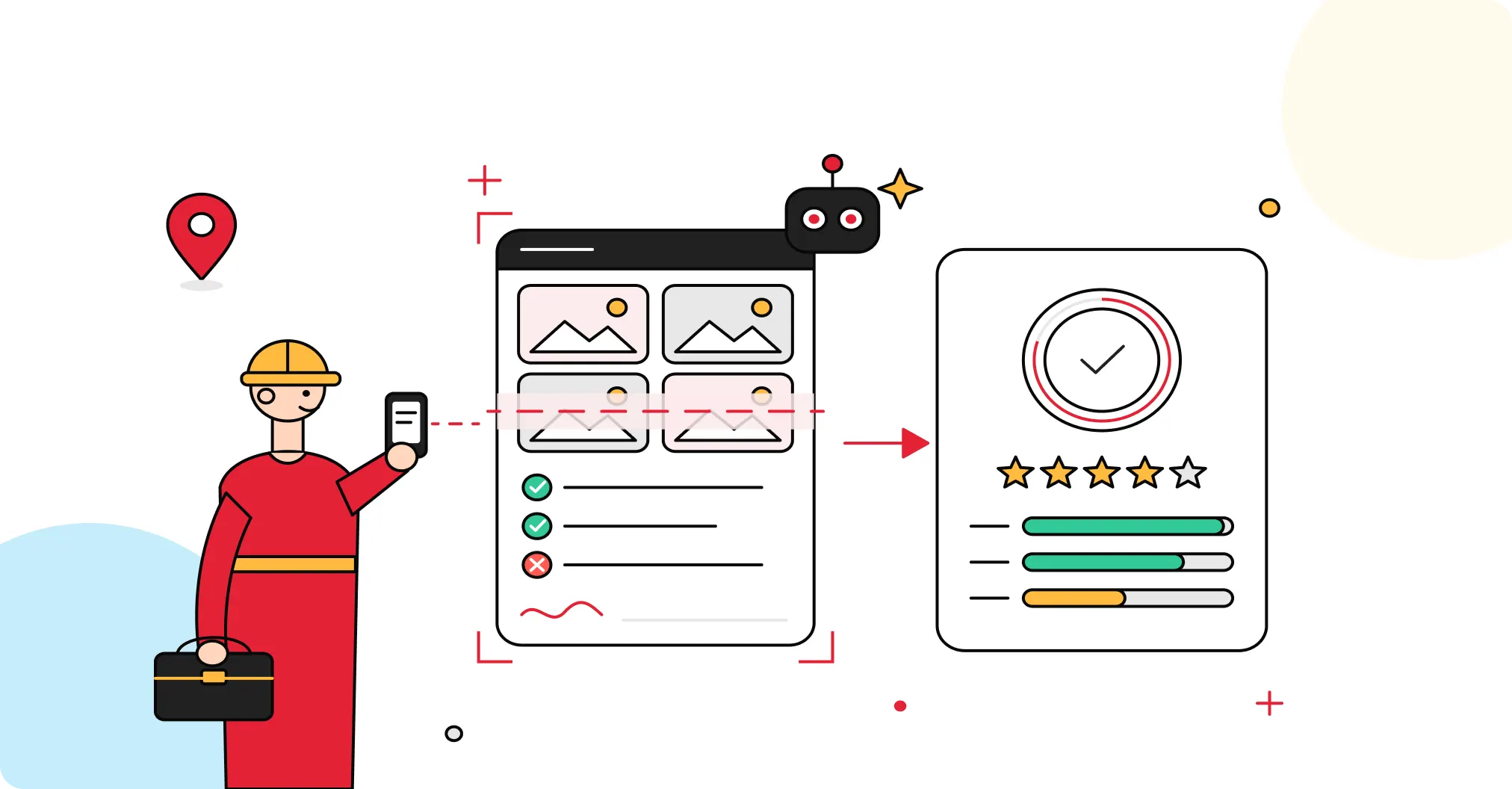
A portal where finding one timesheet meant scrolling
Our client, GBCO, runs a Timesheet Registry Portal that gives contractors and reviewers self-service access to six categories of monthly timesheets: Aramco, FM Custodial, Equipment, Salt, ARO, and Lugger. Nobody has to touch the Odoo backend.
All six registries were built on one shared shape. A REGISTRIES configuration dictionary describes each registry’s model, list columns, and field layout, and a single controller method and QWeb template render every one of them. As the number of records grew, the list pages still had only the tools they launched with: pagination and a two-option sort. Finding a specific record meant scrolling.
The client partnered with Ksolves, an AI-first Odoo development company, to add search and grouping once to the shared list controller and template, instead of as six separate patches.
Key Challenges
01
Employee Data Lives on Line Records: A timesheet document can list many employees, so “search by employee” couldn’t be a simple field lookup on the header record being listed.02
Only 2 of 6 Models Have a Department Field: A generic “Group By Department” option would either error out or silently mis-group on the other four registries.03
No Calendar-Date Field on the Header: Timesheets are period-based (a Month and Year selection), not day-based, so “Group by Date” needed a clear definition, not an assumed one.04
Existing Behaviour Had to Keep Working: Portal users already relied on pagination, sorting, access rules, and bookmarked filtered links, and none of it could regress.Our Solution
One config-driven layer instead of six patches
Ksolves, an AI-first Odoo development company, extended the config-driven architecture the portal already ran on. It treated no registry as a special case and reused the pattern that already drove every other part of the page. Each fix below answers the challenge with the same number (01 to 04), and 05 and 06 add design choices beyond them.
- 01 Search That Resolves to Three Domains: Analytic Account and Status query the header directly. Employee Name first finds the matching line records and maps them to their parent header IDs, then filters on those.
- 02 Group By Options Computed per Registry: Grouping choices come from the same REGISTRIES config that drives the page. Department simply isn’t offered where the config says the field doesn’t exist, so the feature declines per registry instead of failing.
- 03 Period-Based Grouping in Place of a Date: Grouping uses a Period (Month and Year) option, plus Month and Year on their own, to match how the timesheet data is actually modelled.
- 04 One Query, With Existing Behaviour Intact: Group fields go to the front of the existing sort order, so records from the same group sit together in one already-paginated query. A single Python pass then buckets consecutive rows into labelled groups, with no second query and no separate per-group page. Sorting, pagination, and access rules carry on as before.
- 05 State Carried in the URL: Search text, target field, grouping, sort order, and page number all live in the URL, so any filtered, grouped view can be bookmarked or shared as a plain link.
- 06 Odoo’s Own Search-Bar Component: The layer uses portal.portal_searchbar and its existing JavaScript, not a hand-built equivalent, so no new client-side code was written.
Solution Architecture

Technology Stack
| Category | Technology |
|---|---|
| Platform | Odoo |
| UI Component | portal.portal_searchbar (native) |
| Templating | QWeb |
| Backend Logic | Python |
| Database | PostgreSQL |
| Architecture | Config-driven module (ks_gbco_aramco_timesheet) |
Delivery
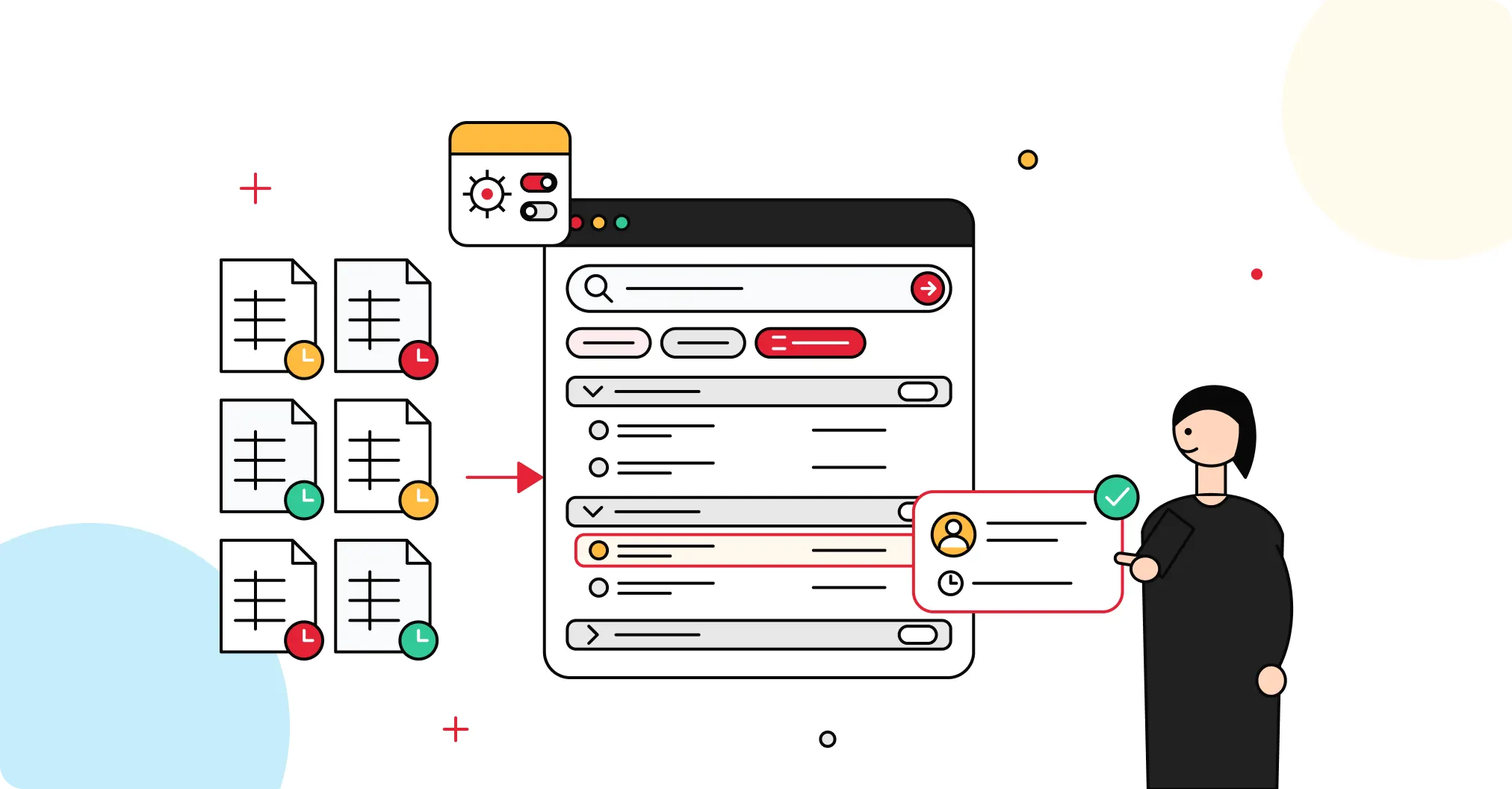
How the new layer sits on the shared list page
Ksolves delivered search and Group By as a change to the shared list controller and template that already serve all six registries. All six gained the same behaviour from a single change set. Sort order, pagination, printing, and the merge-timesheet workflow on the same page keep working without modification. New registries pick up search and grouping by declaring their config.
One change set, six registries
Finding a specific timesheet no longer means scrolling through paginated lists. A feature request that could have become six separate, slightly different patches landed as one generic capability, built on the config the portal already used. It respects the real shape of the data: Department grouping appears only where the field exists, and employee search goes through the line records where the employee data lives.
- 6 of 6: Registries Covered: All six timesheet registries get identical search and grouping behaviour from one change set.
- 1 Code Path, Not 6: The engineering team maintains one implementation, and new registries inherit search and grouping by declaring their config.
- 0 New Client-Side Code: Reusing Odoo’s native search-bar component removed a whole category of client-side state-management work before it needed to be written.
- 5 Values Carried in the URL: Search text, target field, grouping, sort order, and page number travel in the link, so filtered, grouped views are shareable and bookmarkable.
- Instant Status Counts: Grouped views answer questions like “how many are still in Draft” at a glance, with no manual counting.
Ready to Build Yours?
Give Your Portal Lists Search and Grouping They Can Share
Tell us how your portal lists look today. The Odoo team who built this will walk you through what a config-driven search and grouping layer could look like for your records, registries, and users.