Project Name
From Passive Watching to Active Learning: Interactive Notes, Discussions, and Real-Time Collaboration
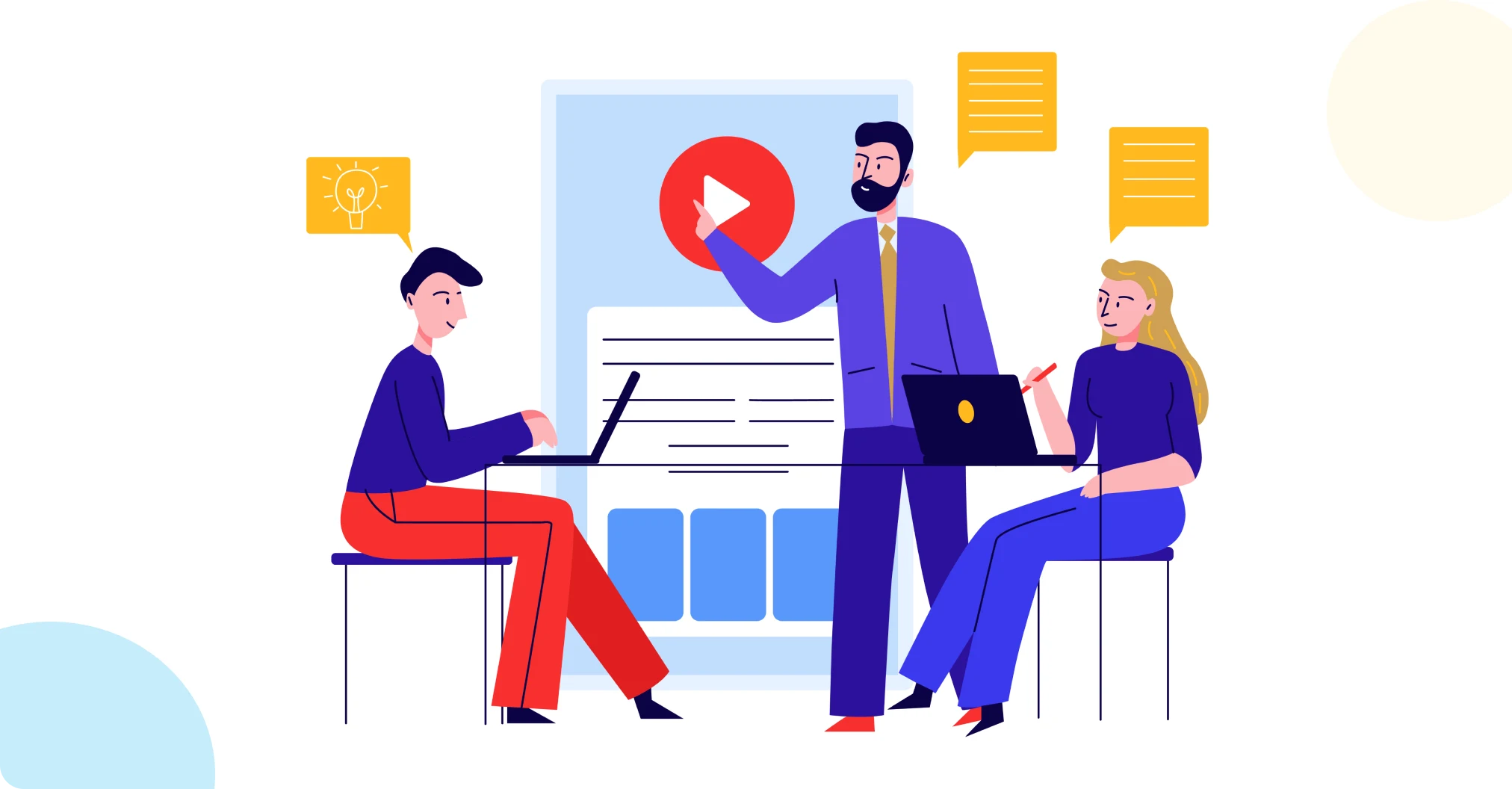

An EdTech platform delivering long-form educational video to students on iOS had a media player built for one thing: playback. Every week, students scrubbed through long lecture videos with no way to mark a confusing moment, save a thought, or ask a classmate a question without leaving the player; notes lived outside the app, questions went unanswered, and instructors had no visibility into where learners were actually getting stuck.
Ksolves brought iOS application development expertise to the problem, engineering a native architecture that treats the video player as a live, contextual workspace instead of a passive screen. The player now supports timestamp- and slide-linked notes, threaded discussions, and real-time sync across every discussion event, giving instructors aggregate confusion data they never had before.
- No Way to Anchor Feedback to a Moment in Time: Students had no mechanism to tie a note, question, or point of confusion to an exact video timestamp or slide, so context was lost the moment they looked away from the screen.
- Passive Viewing With No Peer Interaction: The player supported only playback; there was no way for students to start or join a discussion tied to what was actually on screen at that point in the lecture.
- Complex Attachments Mid-Stream: Students needed to attach files and images to discussion posts while a video was actively streaming, without interrupting playback or losing their place.
- No Live View of Where Students Were Struggling: Instructors had no aggregate signal showing which scenes or slides were generating the most confusion flags across the student body.
- Keeping Playback, Notes, and Live Discussion in Sync: Video scrubbing, timestamp-linked notes, and real-time discussion updates all needed to stay aligned without degrading media playback performance.
- Privacy Expectations in Open Discussions: Students needed the option to participate in discussions without their name being visible, while still preserving normal identified posting for others.
Ksolves brought iOS application development expertise to the problem, centering the build on a clean MVVM pattern, a custom player controller for state tracking, and a dedicated real-time layer for discussion events, all governed by the principle that notes, flags, and conversations must always stay pinned to a precise timestamp or slide.
- Timestamp- and Slide-Linked Notes and Bookmarks: A notes, bookmarks, and confusion-flag system stores references in either video milliseconds or slide identifiers, so any annotation snaps back to the exact moment it was created.
- In-Player Discussion Threads: A discussion tool with a one-level reply structure lets students start and respond to conversations tied to the specific scene or slide they're watching, without ever leaving the player.
- Attachment Routing Through a Dedicated Upload Service: File and image attachments now route through a FileUploadService/Filestack pipeline first, then represent as a UserUploadModel in the post payload, with CloudFront-backed preview thumbnails.
- Custom Smart Media Observer: A custom player controller continuously monitors video time and status, powering jump-to-timestamp navigation from any note, bookmark, or discussion reference.
- Real-Time Sync via PubNub Section Subscriptions: A central synchronization layer on PubNub pushes discussion and reply create, edit, delete, and status events to subscribed clients, keeping every student's view current.
- Anonymous Posting Control: An anonymous flag on posts and replies lets the UI hide the author name and display "Anonymous" on request, giving students a privacy option in otherwise open discussions.
Technology Stack
| Category | Technology |
|---|---|
| Frontend | Swift, UIKit |
| Architecture | MVVM, Combine |
| Platform | AVPlayer, CloudFront |
| Integration | PubNub |
| Infrastructure | Core Data, Alamofire, Keychain |
- Real-Time Sync Across the Full Post Lifecycle: PubNub section subscriptions now push all 4 event types, create, edit, delete, and status, to every subscribed client automatically, replacing a discussion experience with no live sync layer at all.
- Two Ways to Anchor Every Note and Flag: Every note, bookmark, and confusion flag can now reference either of 2 context types: a video timestamp in milliseconds or a specific slide, giving students a mechanism to tie feedback to a moment that simply didn't exist before.
- Defined Recovery Paths for Playback and Auth Failures: Invalid access tokens and AVPlayer failures now route automatically to dedicated handlers, replacing a system with no defined recovery path for either failure type.
- Aggregate Confusion Visibility Instructors Never Had: The app now fetches aggregate confusion flags and user counts across 2 dimensions, video scene and slide, giving instructors visibility into student struggle that was previously invisible entirely.
- Attachment Handling Without Leaving the Discussion: Attachments now upload through a single dedicated pipeline before attaching to the post payload, with CloudFront-backed previews, where no attachment pathway existed for discussion posts before.

“Bringing notes, discussions, and confusion flags right into the player finally gave us a live pulse on where students get stuck, scene by scene, instead of guessing.”
– Product Lead, EdTech
Video lectures on this platform used to be a one-way, passive experience, with no way to annotate, question, or flag confusion in context, and no signal back to instructors about where students were actually getting lost. Ksolves engineered a native iOS architecture that turns the player into a live, interactive study space, with timestamp- and slide-linked notes, bookmarks, and threaded discussions built directly into it.
Real-time PubNub sync now keeps every student’s discussion view current across create, edit, delete, and status changes, and aggregate confusion-flag data gives instructors a governance-level view into exactly where a course is losing students. What used to be a silent, invisible struggle is now a signal instructors can actually act on.
This foundation opens the door to instructor-facing analytics dashboards and cross-platform parity as the product’s next phases take shape.
Want Your Learning Platform to Turn Passive Viewers Into Active Participants?