



Salesforce vs. Pipedrive: The Ultimate Comparison
Salesforce
5 MIN READ
May 29, 2026

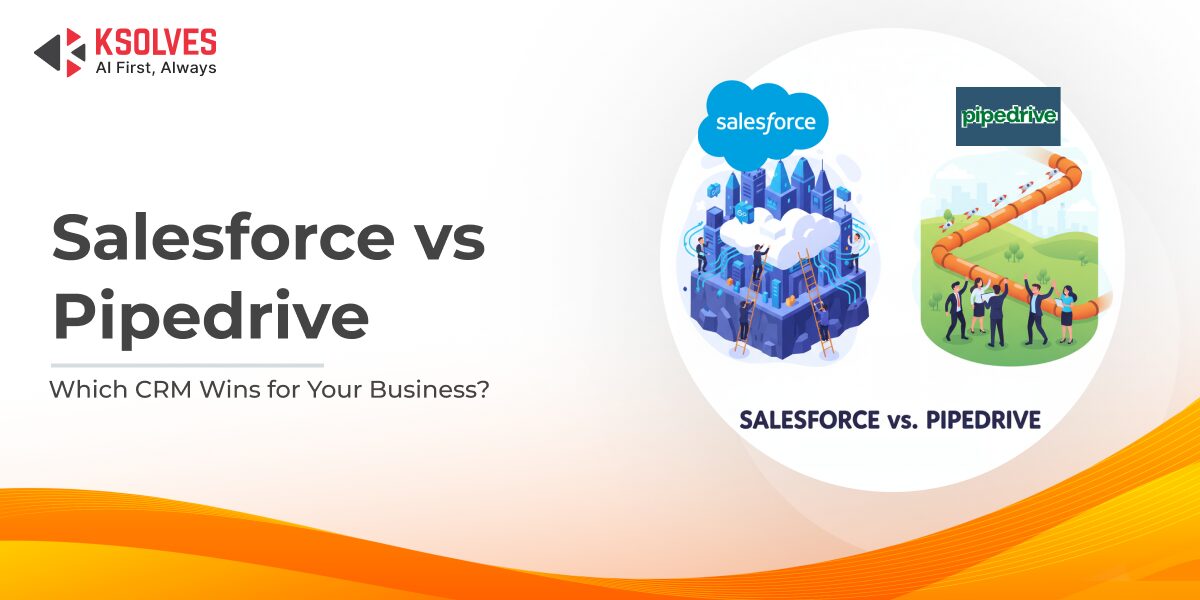
The CRM you select can shape how effectively your business manages relationships, drives sales, and scales over time. Salesforce delivers an enterprise-grade, all-in-one platform with robust customization and advanced capabilities, while Pipedrive focuses on simplicity, speed, and a sales-first approach.
With the global CRM market valued at over $71 billion in 2023 and projected to grow at a CAGR of 13.9% through 2030, selecting the right solution has never been more important.
This article breaks down Salesforce and Pipedrive in terms of features, ease of use, pricing, integrations, scalability, and ideal use cases to help guide your decision.
What is Salesforce?
Salesforce is a cloud-based customer relationship management (CRM) platform that helps businesses manage sales, service, marketing, and analytics in one place. Known for its scalability, customization options, and powerful AI features, Salesforce supports organizations of all sizes across multiple industries.
What is Pipedrive?
Pipedrive is a user-friendly CRM designed primarily for sales teams. It focuses on visual deal pipelines, activity tracking, and automation to help small and medium-sized businesses close deals more efficiently and maintain an organized sales process.
Salesforce vs Pipedrive: Feature Comparison
| Feature | Salesforce | Pipedrive |
| Sales Pipeline & Workflow | Advanced customization, AI forecasting | Simple visual pipeline, activity-based selling |
| Automation & AI | Complex workflows, Einstein AI | Basic automation, AI Sales Assistant |
| Reporting & Analytics | Custom dashboards, deep analytics | Basic dashboards, deal tracking |
| Customization & Scalability | Highly customizable, scales to enterprises | Limited customization, best for SMBs |
| Integrations | 3,000+ apps, robust API | ~350 apps, sales-focused |
Ready to Move Beyond Pipedrive?
1. Sales Pipeline & Workflow
Salesforce offers highly customizable sales pipelines with the ability to create custom objects, build advanced workflows, and automate complex processes. Its Einstein AI provides predictive forecasting, lead scoring, and next-best-action recommendations to improve conversion rates.
Pipedrive provides a simple, visual drag-and-drop pipeline that’s easy to update in real time. Features like activity-based selling help teams focus on the right tasks, while the “deal rotting” indicator alerts users when opportunities have been stagnant for too long.
2. Automation and AI
Salesforce enables deep automation through Salesforce Flows, Process Builder, and Apex code, allowing businesses to design complex, multi-step workflows across departments. Einstein AI delivers actionable insights, predictive analytics, and intelligent recommendations to drive smarter sales and service decisions.
Pipedrive offers straightforward automation rules to handle repetitive tasks like sending follow-ups or updating deal stages. Its AI Sales Assistant provides suggestions, reminders, and performance tips to help sales reps stay on track without complexity.
3. Reporting & Analytics
Salesforce delivers powerful, fully customizable dashboards and reports, enabling businesses to track KPIs, monitor sales performance, and forecast revenue with high accuracy. Advanced analytics, powered by Einstein AI and integrations like Tableau, allow deep data exploration for strategic decision-making.
Pipedrive provides easy-to-use sales dashboards and reporting tools focused on deal tracking, activity metrics, and pipeline health. While less advanced, it offers clear visual insights into team performance and sales progress for quick decision-making.
4. Customization & Scalability
Salesforce is extremely flexible, allowing businesses to create custom fields, objects, workflows, and user experiences tailored to complex processes. With the AppExchange marketplace, organizations can extend functionality through thousands of apps. Scales seamlessly from small teams to large enterprises with global operations.
Pipedrive offers basic customization options for fields and stages, making it quick to set up and easy for sales teams to start using. Best suited for small to medium-sized businesses with straightforward sales processes, but less adaptable for highly complex or enterprise-level needs.
5. Integrations
Salesforce boasts a vast ecosystem with over 3,000 apps on the AppExchange, covering everything from marketing automation to ERP and customer support tools. Extensive API capabilities allow seamless integration with virtually any system, making it a strong choice for businesses with complex tech stacks.
Pipedrive provides 300–400 integrations, primarily geared toward enhancing sales workflows, email, and productivity tools. While sufficient for smaller teams, it may require third-party connectors for more specialized or enterprise-level integrations.
Pricing and Total Cost of Ownership
Salesforce: Pricing begins at about $25/user/month for the Essentials plan, with costs rising as you add advanced modules, AI capabilities, and integrations. While the initial spend is higher, Salesforce delivers a robust, scalable platform with deep functionality, often yielding significant long-term ROI for businesses aiming to centralize and automate operations.
Pipedrive: Plans start at roughly $14/user/month, making it a cost-effective choice for small teams or startups focused on straightforward sales tracking. It offers great value at the entry level, but expanding functionality through add-ons or external integrations can gradually raise the total investment.
| Feature | Salesforce | Pipedrive |
| Customization | Extensive | Basic |
| Integrations | 3,000+ apps | ~350 apps |
| Pricing | From ~$25/user | From ~$14/user |
Ideal Fit: Use Case Scenarios
Go with Pipedrive if:
- You’re a small or mid-sized business looking for a CRM you can set up and start using within hours
- Your primary goal is to manage a straightforward sales pipeline without extra complexity
- You want an affordable, low-maintenance solution that doesn’t require dedicated IT staff
Go with Salesforce if:
- You’re a growing or enterprise-level business with complex sales cycles and multiple teams to coordinate
- You need advanced automation, AI-driven analytics, and industry-specific CRM capabilities
- You want a scalable platform that integrates seamlessly with a wide range of business applications and systems
Conclusion and Recommendations
Choosing the right CRM depends on your business needs. Pipedrive works well for teams looking for quick setup and ease of use. Salesforce is better for long-term growth, advanced automation, and managing multiple departments.
To decide, try both platforms, list your feature requirements, and consider integration needs. Ksolves’ Salesforce Professional Services can help set up Salesforce, customize it for your business, and get the most value from your CRM investment.
































Author
About the Author Editorial Team The Ksolves Editorial Team includes certified Salesforce experts, Big Data engineers, AI/ML specialists, Zoho consultants, and experienced technology writers focused on delivering clear, actionable insights for modern businesses. With hands-on experience across Salesforce, Big Data platforms, AI/ML solutions, application development, software testing, and Zoho ERP/CRM, the team publishes practical guides, real-world use cases, and industry updates that support smarter decisions and faster growth. Every article is created to solve business challenges, guide technology adoption, and keep organizations aligned with evolving digital ecosystems.
Share with