



AI-Assisted Debugging Across a Fragmented Android Device Fleet
AI
5 MIN READ
September 10, 2026

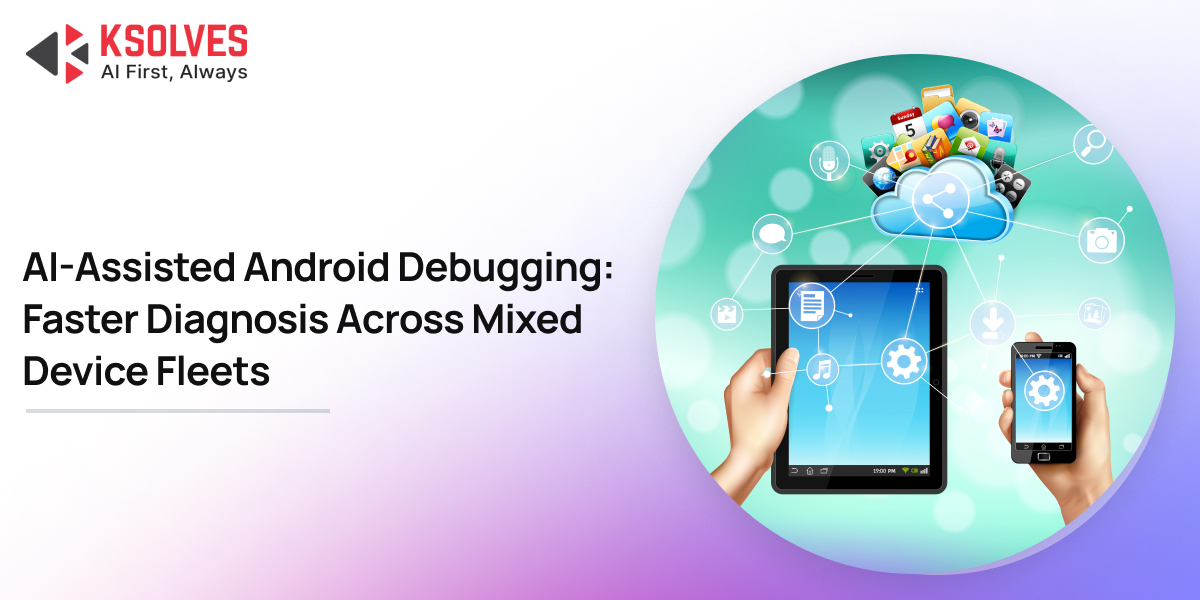
Writing the code is rarely the hard part. The hard part is isolating why one device out of fifty behaves differently, on one Android build, under conditions nobody can reproduce at a desk.
That work used to mean hours of manual log-diving and re-flashing test units one at a time. AI-assisted development has compressed it.
Faster Pattern Recognition Across Device Families
Consider a common sequence. A scanning app passes QA on a handful of office test phones. It ships to a warehouse running fifty Zebra units. Within a week, two of them report a silent crash that never appears in the office.
The traditional path: source the exact model, reproduce the exact conditions, and hope the crash log carries enough signal. With an AI assistant in the loop, a developer supplies the stack trace, the device model, and the Android version, then gets a ranked set of candidate causes in moments:
- A permission flow that resolves differently on the vendor build
- A quirk in the camera or scanner SDK specific to that manufacturer
- A threading issue that only surfaces under sustained scan load
- An API whose behavior shifted between Android versions
This is pattern matching at a speed no developer sustains at the end of a shipping week. The assistant has processed thousands of comparable bug reports across many codebases, so it recognizes classes of problems an individual developer may never have hit personally.
Debugging Android Fleets Shouldn’t Take Days
Lower Cost of Context-Switching Between Device Families
Enterprise Android teams rarely work on one device family. A single sprint might cover a Bluetooth reconnect bug on a payment reader, a barcode scan timeout on a Urovo unit, and a memory leak on a general-purpose tablet.
Every switch between hardware contexts carries a mental tax: reloading vendor quirks, rereading old notes, reorienting to another SDK convention. AI tools absorb part of that tax. A developer can ask for a summary of a device’s known quirks, pull the relevant SDK method signatures, or get an explanation of a config flag untouched for months. The bandwidth freed goes into the problem itself.
Vendor Documentation Turned Into Usable Answers
Industrial device documentation is inconsistent. Some vendors ship detailed SDKs and clear API references. Others ship a scanned Quick Start PDF. Anyone who has searched a payment reader manual for what happens to Bluetooth when the device is plugged in versus unplugged knows how much time disappears into that search.
Given the source material, an AI assistant digests dense, poorly structured documentation and returns something a developer can act on: the paragraph about charger-state behavior buried on page 40, or a Bluetooth timeout policy implied across three separate sections. A working mental model of the device arrives in minutes, ahead of any trial and error on a physical unit.
Defensive Capability Detection, Drafted Faster
Camera detection across a heterogeneous fleet illustrates the point. Consumer phones report their capabilities predictably. Industrial devices often overstate them, expose cameras through non-standard paths, or leave the fields a naive check expects unpopulated.
A single detection method that passes on a Pixel can fail silently on a rugged handheld. Layered detection holds up better:
- PackageManager.hasSystemFeature(FEATURE_CAMERA_ANY) as the first check
- A fallback query against CameraManager.cameraIdList
- Graceful degradation when neither returns what the app expects
AI-assisted coding drafts this kind of layered logic quickly, proposes several approaches side by side, and explains the tradeoffs of each. The developer picks what fits the fleet. Days of manual testing across a device lab now start from a reasoned first draft, which leaves the remaining time for the real-device validation only a physical lab provides.
Documentation That Keeps Pace With the Codebase
Enterprise Android projects spanning multiple hardware SDKs accumulate tribal knowledge, the kind that lives with one senior developer and leaves when they do.
AI tools make living documentation practical to generate and maintain:
- README templates that stay current with the code
- Architecture notes recording the reasoning behind each structural decision
- Onboarding guides scoped to each hardware integration
- Project rule files such as CLAUDE.md or .cursorrules that encode team conventions for every contributor, human or AI
The effect on ramp-up is significant. Onboarding a developer onto a project built on MVVM, Clean Architecture, Hilt, Retrofit, and Room, layered over four hardware vendors, once meant weeks of orientation before the first useful commit. When the reasoning behind architectural decisions is written down, that period shortens considerably.
Individual Knowledge Turned Into Team Knowledge
The underrated benefit is distribution. Under the old model, a developer who spent two days isolating a Bluetooth reconnect quirk on a specific payment reader kept that knowledge. It moved through a Slack message or a hallway conversation, if it moved at all.
That insight can now be captured, summarized, and written back into project documentation or AI rule files the same day. The next developer who hits the issue does not rediscover it. Each debugging session compounds into the team knowledge base instead of closing as a one-off fire. For a team supporting a growing list of device SKUs, that institutional memory carries real delivery value.
Whether a team gets this benefit depends on whether AI tooling is standard practice or individual initiative. Ksolves runs it as standard practice. Every consultant uses AI daily for debugging, code review, testing, and documentation, which is why implementation timelines compress to roughly half the standard, and fewer issues reach production after go-live.
What AI-Assisted Debugging Does Not Replace
- Real device testing stands: Nothing substitutes for holding the unit and watching it fail. Hardware expertise stands with it.
- What AI changes is the ratio: The tedious share of the work shrinks: the log-diving, the documentation archaeology, the repeated relearning of the same vendor quirks. More of the day goes to the actual problem.
For teams supporting dozens of device SKUs and inconsistent vendor documentation, the difference is measured in whole days.
A full day chasing a bug across a device lab, against twenty focused minutes fixing it and writing it down so nobody chases it again.
Talk to Ksolves About Enterprise Android App Development

































AUTHOR
AI
Mayank Shukla, a seasoned Technical Project Manager at Ksolves with 8+ years of experience, specializes in AI/ML and Generative AI technologies. With a robust foundation in software development, he leads innovative projects that redefine technology solutions, blending expertise in AI to create scalable, user-focused products.
Share with