

Built an AI-Powered Audit and Scoring System on Odoo 15 for Field Service Quality Review
We built an Odoo 15 audit workflow on top of an AI scoring pipeline, so reviewers can see the evidence, correct a score, and route follow-ups from one page.
Categories scored 0 to 5 on a single Audit Page
Edit to change a shared AI prompt, down from 5
Audits saved without a follow-up decision
An AI score that reviewers had no good way to check
Our client operates a call center and field-service dispatch operation where Call Center Representatives (CCRs) review jobs against quality standards, including customer interactions, technician communication, job notes, maintenance reports, and equipment documentation. These checks are consolidated into an Automated Quality Score for coaching and performance reporting.
An existing AI pipeline used AWS Transcribe and GPT-4o to generate category-level scorecards from call and job data. The client engaged Ksolves, an AI-first Odoo development company, to transform this AI output into a reviewable, correctable, and reportable audit workflow in Odoo 15, giving CCRs the ability to validate scores, review supporting evidence, and ensure accurate reporting.
Key Challenges
01
No Reviewable Audit Surface AI scores appeared only in a modal popup. There was no page where a reviewer could examine, edit, and finalise results section by section.02
Untracked Overrides When a reviewer corrected an AI score, nothing separated “a human overrode this judgement” from “someone added a note”. That weakened the coaching reports built on the data.03
Incomplete Score Composition The Automated Quality Score reflected only greeting and call behaviour. Technician notes and maintenance reports sat in separate tabs and never counted toward the score technicians were coached on.04
Follow-Up Routing Gaps Every audit defaulted to the CCR who booked the original call, even when its purpose was to schedule a known follow-up or estimate, which suits a specialised team better than a generalist CCR.05
Unsafe Save Behaviour Audits could be saved and closed with no follow-up decision recorded. In at least one case, a follow-up field showed as already answered with no evidence in the job.06
AI Accuracy Gaps Report scoring was reading the technician’s notes instead of the report, and system-configuration issues were listed in full instead of summarised. Both undermined reviewers’ trust in the output.07
Duplicated Prompt Logic Each job type carried its own near-identical prompts for greeting and report scoring, so one wording fix had to be repeated across five separate prompts.Our Solution
A reviewable Audit Page on top of the existing scoring pipeline
Ksolves, an AI-first Odoo development company, designed a dedicated Audit Page and supporting workflow logic on top of the pipeline, giving reviewers a structured, evidence-backed interface in place of a black-box popup.
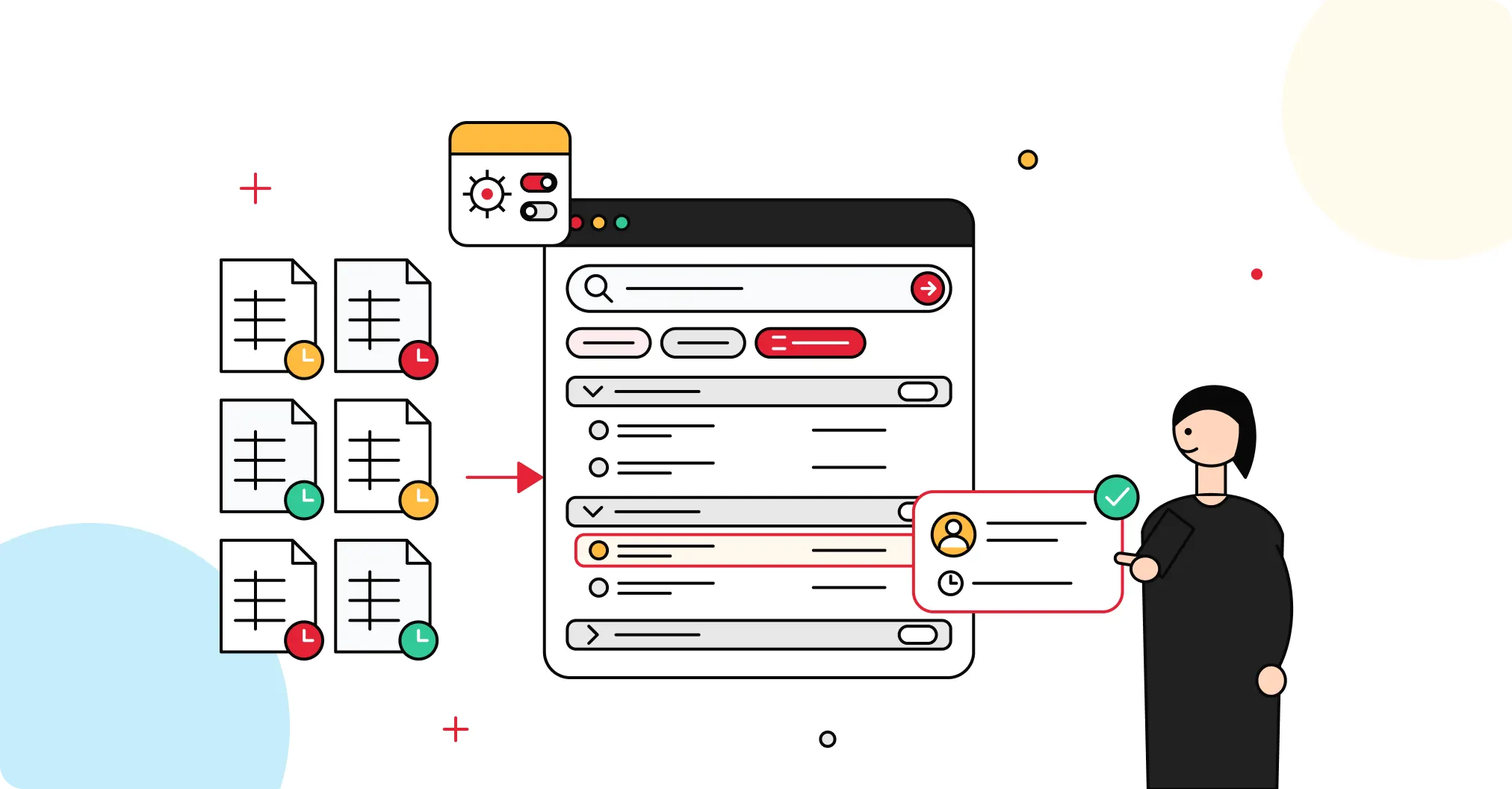
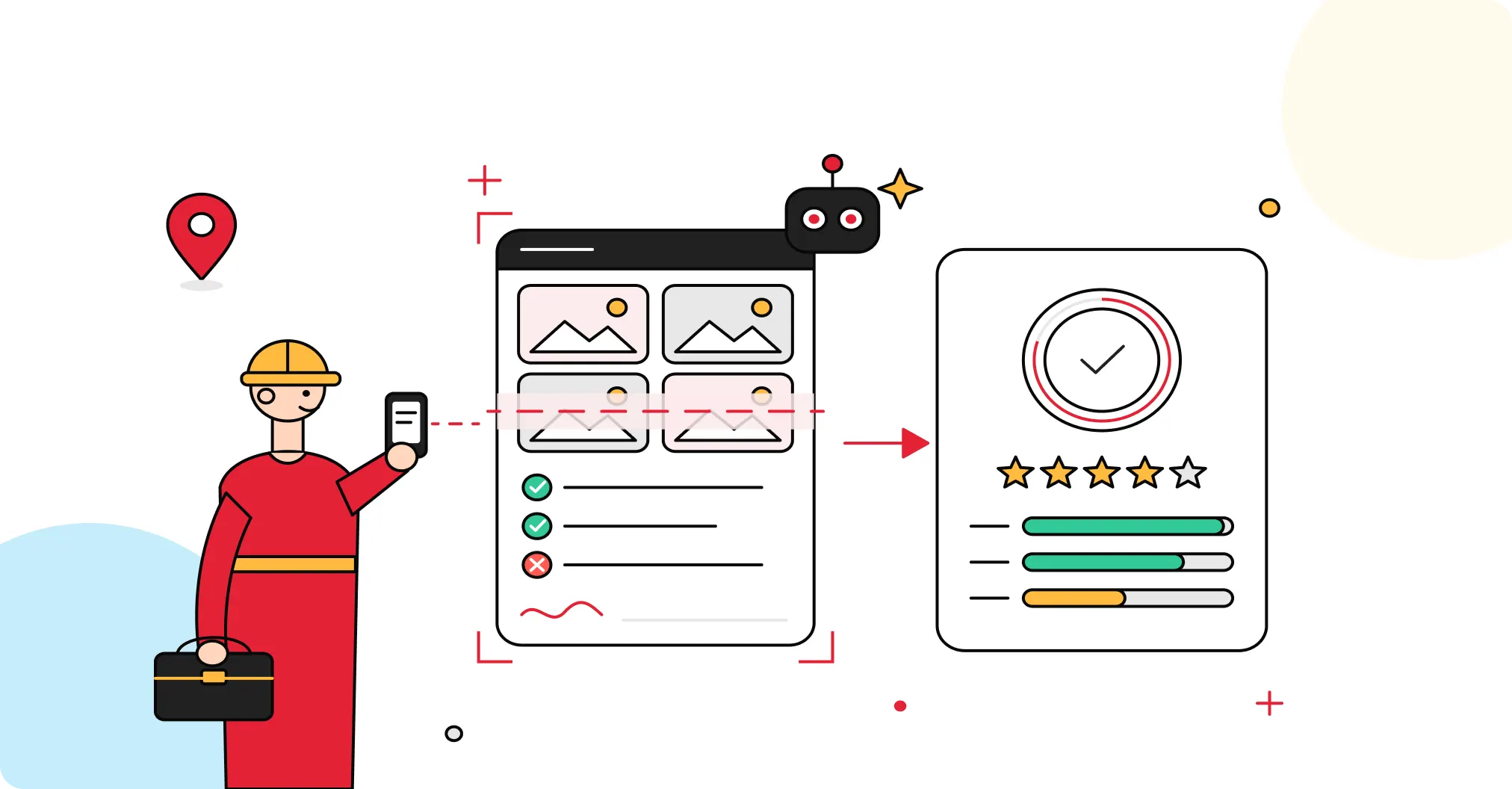
- 01 Section-Based Audit Page A “Start Audit” button opens a full Audit Page. Each category (greeting, call, notes, report, and systems) is scored 0 to 5, with its own AI reasoning and an editable reviewer field.
- 02 Accountable Score Editing An “Edited by Reviewer” flag switches on only when a reviewer changes a score, never when they only add a note. A separate Reasoning field keeps reviewer commentary from overwriting the AI’s original rationale.
- 03 Full-Weight Score Composition The Automated Quality Score now rolls up Greeting, Phone, Notes, and Report, with a separate System Score beside it. Coaching feedback can point to the category behind a low score instead of one opaque number.
- 04 Routing to a Dedicated Service Desk Audits with a known follow-up or estimate go to a Service Desk role, not back to the CCR who booked the original call.
- 05 Follow-Up Gate With Pre-Filled Tickets “Follow-up needed?” is a hard save gate, so an audit can’t close without a decision. When a follow-up is confirmed, Odoo creates a pre-filled Helpdesk ticket or job automatically.
- 06 AI Accuracy Fixes Report scoring now evaluates the actual report, not the technician’s notes. System issues appear as one plain-language summary in place of an exhaustive list.
- 07 Shared, Taggable Prompt Components Reusable prompt fragments, such as greeting scoring, live in one shared component referenced by every job type, so a wording change is made once.
- 08 Inline Evidence Panels Next to each score, reviewers see the greeting transcript, the call log timestamp or a “no call recorded” note, an in-page report preview, and a checklist of active systems. They can fact-check the AI in seconds.
- 09 Non-Destructive Navigation The Job Title link stays free navigation back to the source job. The follow-up gate applies only to explicit save actions, so reviewers can check job details and return without losing progress.
Solution Architecture

Technology Stack
| Category | Technology |
|---|---|
| Platform | Odoo 15 |
| AI / Scoring | GPT-4o (per-category scorecards) |
| Transcription | AWS Transcribe |
| Audit Workflow | Custom Audit Page, follow-up gating, Service Desk routing |
| Database | PostgreSQL |
Delivery
How an audit now moves from AI score to final record
Ksolves delivered the audit workflow as a layer on the client’s existing scoring pipeline. A reviewer starts an audit from the job, works through five scored categories with the evidence beside each, edits any score that needs correcting, records a follow-up decision, and saves. The client received the Audit Page, the reviewer-edit flag and separate reasoning field, the rebuilt Automated Quality Score, the follow-up gate and Service Desk routing, the evidence panels, and the shared prompt components. The reporting and coaching teams now work from scores they can see, correct, and trace.
From a black-box popup to scores a reviewer can stand behind
Ksolves rebuilt the audit experience around a section-based page, accountable score editing, and evidence beside every score. The result is an AI scoring engine that CCRs and Service Desk staff can rely on: follow-ups route correctly, scores reflect the full picture of a job, and there is a clear record of when and why a person stepped in.
- 1 Page: Every Scoring Category Reviewers see and correct every category behind the Automated Quality Score on one page, not across scattered tabs and popups.
- Zero Audits Closed Without a Follow-Up Decision The hard save gate means every audit records the decision. Confirmed follow-ups arrive as pre-filled tickets, and follow-up-heavy audits go straight to the Service Desk.
- 1 Edit, Not 5, to Change a Prompt Shared, taggable prompt components mean a single wording change reaches every job type.
- Every Override Visible Score edits are distinguishable from note edits, so reporting and coaching can see exactly where a person overrode the AI.
- Evidence Beside Every Score Reviewers fact-check the AI in seconds, and the fixes to report scoring and system summaries removed two of the most visible reasons reviewers distrusted it.
Ready to Build Yours?
Is Your AI Scoring Engine Producing Numbers No One Fully Trusts?
Tell us how your team reviews AI-generated scores today. The Odoo team who built this will show you what an auditable review workflow could look like for your business.