

Turning Peak-Season Cancellations Into Revenue With Staged Jobs on Odoo 15
We built a staged-job layer on Odoo 15 that lets an HVAC contractor overbook peak-season capacity within a controlled window and resolve every tentative job before the day arrives.
staged jobs left unresolved on the service date
times a customer is told a staged slot is tentative
safety nets that force every staged job to resolve

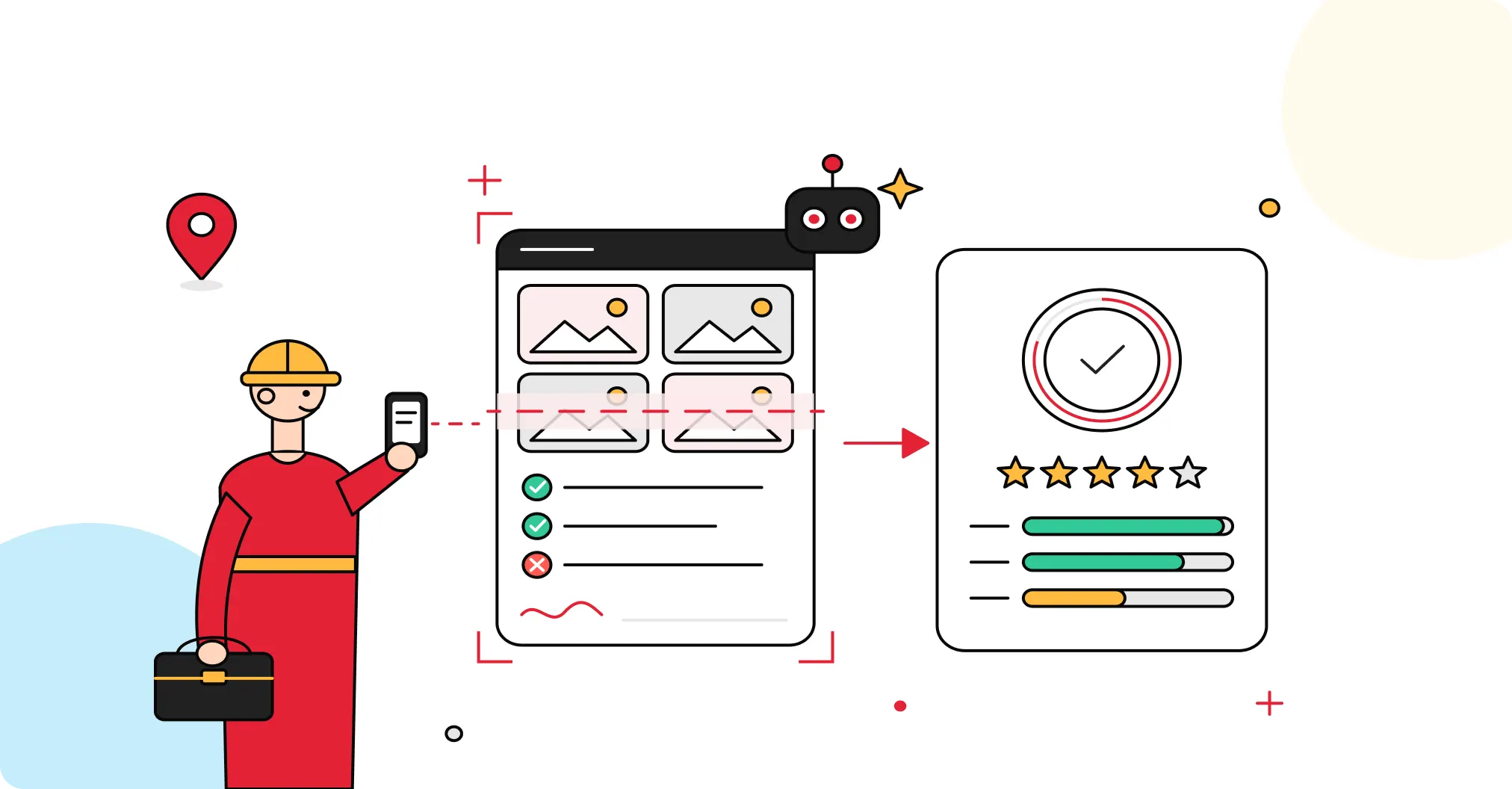
A full schedule on paper, but idle technicians in the field
Our client is a residential HVAC contractor serving Raleigh-Durham and Charlotte through separate Odoo companies, operating on a maintenance-membership model. Its Odoo scheduling stack already used the Solvice VRP API to generate route-feasible appointment slots.
During peak season, appointments were booked weeks ahead, yet same-day cancellations frequently left technicians idle while customers were turned away. The business was losing work despite having available capacity. Traditional overbooking was too risky for home services, where a bumped appointment directly impacts customer experience.
The client partnered with Ksolves, an AI-first Odoo development company, to build a controlled overbooking layer that could account for likely cancellations, recover idle capacity, and maintain scheduling reliability.
Key Challenges
01
No Mechanism for Controlled Overbooking Peak schedules sold out weeks ahead while predictable same-day cancellations left technicians idle. Nothing in the system distinguished a real commitment from a speculative one.02
Double-Booking Risk to Customer Trust A double-booked customer who gets bumped on the day is the worst possible outcome for a business that works in people’s homes, and naive overbooking risked exactly that.03
Route Optimizer Feasibility Risk Overbooked jobs fed naively into the Solvice VRP could produce schedules that looked valid on paper but couldn’t physically be driven.04
No Separation Between Real and Speculative Work Technicians needed to see only confirmed commitments, and dispatchers needed a clear way to tell a real job from a tentative one.05
Confirmation Emails as Commitments The standard “your appointment is confirmed” email could not go out for a slot that might still be cancelled.06
No Governance for a Policy That Should Only Run Sometimes Overbooking had to be a scoped, switchable, peak-season tactic for specific job types, not a permanent policy, with a record of who turned it on and who acted on it.Our Solution
Overbooking as a governed, switchable policy
Ksolves, an AI-first Odoo development company, delivered ks_staged_jobs, a governance-and-lifecycle layer over the existing Solvice scheduling stack. It does not replace the optimizer. It teaches the whole system the difference between a commitment and an option. Each fix below answers the challenge with the same number (01 to 06), and 07 to 09 add capabilities beyond them.
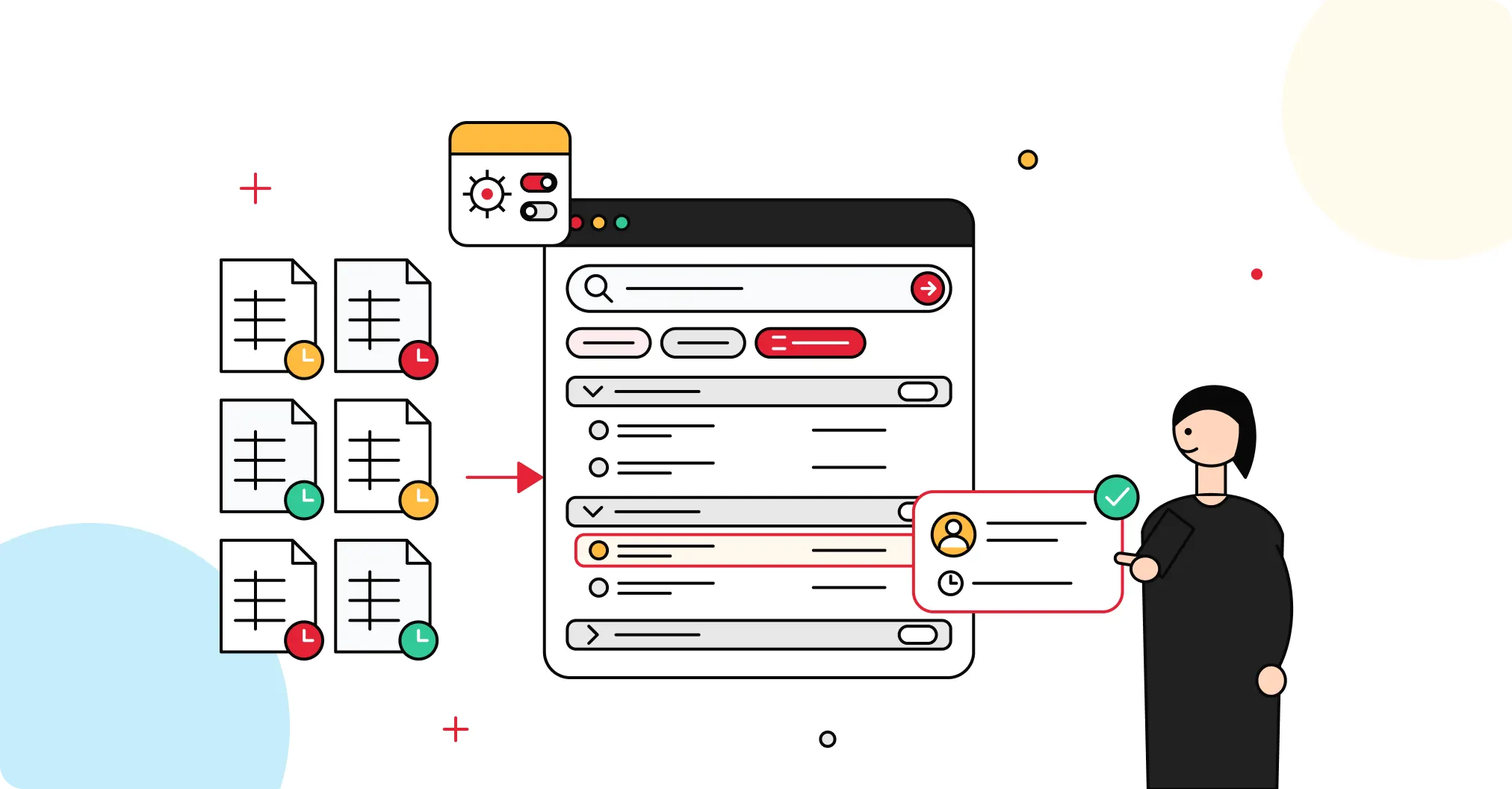
- 01 Configurable Policy With Computed Eligibility One configuration record (job.staged_jobs.config) holds the active toggle, eligible job types, a start and end peak window, and internal reminder recipients, and it sits behind the Administrator group. Ops staff switch overbooking on and off without a code deployment. An onchange on job type and start date sets the staged flag automatically, so a CCR can’t mark an emergency repair as staged or stage anything outside the window.
- 02 Explicit Customer Opt-In On the portal, a staged slot shows an amber “Staged Job” badge and tooltip. Selecting it raises a blocking acknowledgment modal that quotes the 24-hour confirmation promise, and booking can’t proceed without it.
- 03 Staged Status Set at Slot Generation The back-office slot finder tags each Solvice suggestion as staged or not, so every channel receives slots that already know what they are. All existing feasibility filters still apply unchanged, so a staged slot is still a route-feasible slot.
- 04 Tentative Work Visible to Dispatch, Hidden From Technicians A staged job’s name gets a [STGD] prefix, which is removed on confirmation. Staged-specific banners replace the standard scheduling ones, and dispatchers get a dedicated list filter and group-by. The technician dispatch board excludes staged jobs entirely, so a field day never contains work that might disappear.
- 05 Real State Transitions With Their Own Emails Confirmation recomputes the arrival window with the DST offset, sends a dedicated confirmation email, clears the staged flags, refreshes the dispatch board, and pushes the renamed job into the Unified Priority Board so no queue shows a stale title.
- 06 Two-Tier Permissions and a Full Audit Trail Manager and Administrator groups gate every change. A documented bypass is reserved for automated flows (cron, portal, voice API). Every meaningful transition writes a chatter message naming who acted, and state fields carry tracking=True.
- 07 Two Safety Nets That Force Resolution A 9 a.m. internal digest gives dispatch first refusal on tomorrow’s staged jobs. A day-before reminder cron then auto-confirms anything still unresolved, using the same button_confirm_staged() method a manager would use, so no staged job reaches its service date unresolved.
- 08 Cancellation as a Recovery Event Cancelling a staged job shows the CCR which email the customer will receive and sends a distinct apology template instead of the standard cancellation notice. The service location gets a canceled_staged_job flag for priority rebooking, which clears automatically once a real job is scheduled there.
- 09 Repeat-Overbooking Guardrail Trying to stage a second job at a location that already had one cancelled opens a wizard with an explicit option to schedule a standard job instead, nudging the team toward making the customer whole.
Solution Architecture

Technology Stack
| Category | Technology |
|---|---|
| Platform | Odoo 15 Enterprise (Project/FSM, Helpdesk, Portal, Mail) |
| Language | Python 3.8 |
| Database | PostgreSQL |
| Route optimization | Solvice VRP API (/v2/vrp/sync/suggest) |
| Scheduling | Odoo ir.cron |
| Templating | QWeb / Jinja mail templates |
| Frontend | jQuery, Bootstrap 4, SCSS |
| UI framework | Odoo XML views, attrs domains, wizards |
| Access control | Odoo res.groups, ir.model.access.csv |
| Auditability | mail.thread chatter + field tracking |
| Integrations | Google Distance Matrix (via Solvice stack), Unified Priority Board |
Delivery
How a staged job moves from tentative to confirmed
Ksolves delivered ks_staged_jobs as a layer over the client’s existing Solvice scheduling stack. It includes the configuration record, staged-aware slot generation, the portal acknowledgment, the dispatch banners and filters, the 9 a.m. digest and day-before confirmation cron, the cancellation and rebooking flow, the permission groups, and the audit trail. A staged job is created inside the configured peak window, stays hidden from technicians, and is confirmed or cancelled before the service date. The same confirmation method handles both the manager’s click and the automatic one.
What the staged-job layer guarantees
Ksolves treated peak-season overbooking as a governance problem more than a scheduling one. The staged-job layer lets the client deliberately overbook within a controlled window, resolves every tentative job automatically before the day arrives, keeps tentative work away from technicians, and records every decision. The company now fills capacity that predictable cancellations used to waste, without exposing a customer to a surprise bump on the day of service.
- Zero Staged Jobs Unresolved on the Service Date The 9 a.m. digest gives dispatch first refusal, and the day-before cron auto-confirms anything left, so every staged job is confirmed or cancelled well before it arrives.
- 3 Times the Customer Is Told It’s Tentative The badge, the tooltip, and the blocking acknowledgment modal each say so. If a bump does happen, the customer gets a dedicated apology email and priority for rebooking.
- Every Staged Slot Is Route-Feasible Staged status is applied after Solvice’s own feasibility scoring, so a staged slot is always one the optimizer already believes is drivable.
- Peak-Season Capacity Recovered Without Customer Risk The company can now tentatively fill the gaps that predictable cancellations create, instead of refusing work it had capacity to complete.
- Every Change Attributed Every state change, human or automated, is recorded in chatter with the acting party named, which meets the governance requirement dispatchers asked for once the feature was live.
Ready to Build Yours?
Is Your Peak-Season Schedule “Full” While Technicians Sit Idle?
Tell us how cancellations hit your schedule today. The Odoo team that built this will show you what controlled overbooking could look like for your business.