


Informatica Secure Agent Migration: Hidden Issues and a Proven Checklist
Ksolves moved a self-managed Informatica IDMC Secure Agent to a new Ubuntu 24.04 host, hit five hidden gaps, and turned them into an ordered checklist that lets the next move work on the first attempt.
5
hidden gaps that fail quietly
2
driver locations, one per engine
2
shared libraries missing on Ubuntu 24.04

O V E R V I E W
A move that looks finished but is not
A Secure Agent move rarely fails with a clear error. It fails in small, hidden ways: a missing library, a driver that was never copied, a service that does not restart by itself, or a child process still running on old settings. Each gap looks like a different problem, and none of them points back to the move.
Ksolves moved a working Informatica Secure Agent to a new Ubuntu 24.04 host and hit five of these gaps. This case study turns them into a short, ordered checklist that a platform team can follow on the first attempt, instead of finding each gap one failure at a time.
C H A L L E N G E
01
Database Drivers Missing The agent runs two engines, Cloud Application Integration and Cloud Data Integration. Each loads drivers from its own folder, so a driver in one place does not help the other.02
Shared Libraries Not on Ubuntu 24.04 The data integration engine needs libidn.so.11 and libiconv.so.2, which the new operating system does not include.03
ODBC Entry Not Carried Over ODBC-based connections had nothing to find on the new agent.04
Messaging Manager Stays Down After an agent restart, the ActiveMQ messaging manager stays stopped, so queue-based processes fail while the agent looks healthy.05
Old Child Processes Keep Old Settings Child data integration processes survive an agent restart and do not pick up new environment settings, so a fix appears not to work.S O L U T I O N
One ordered checklist, with every fix proven by a real job
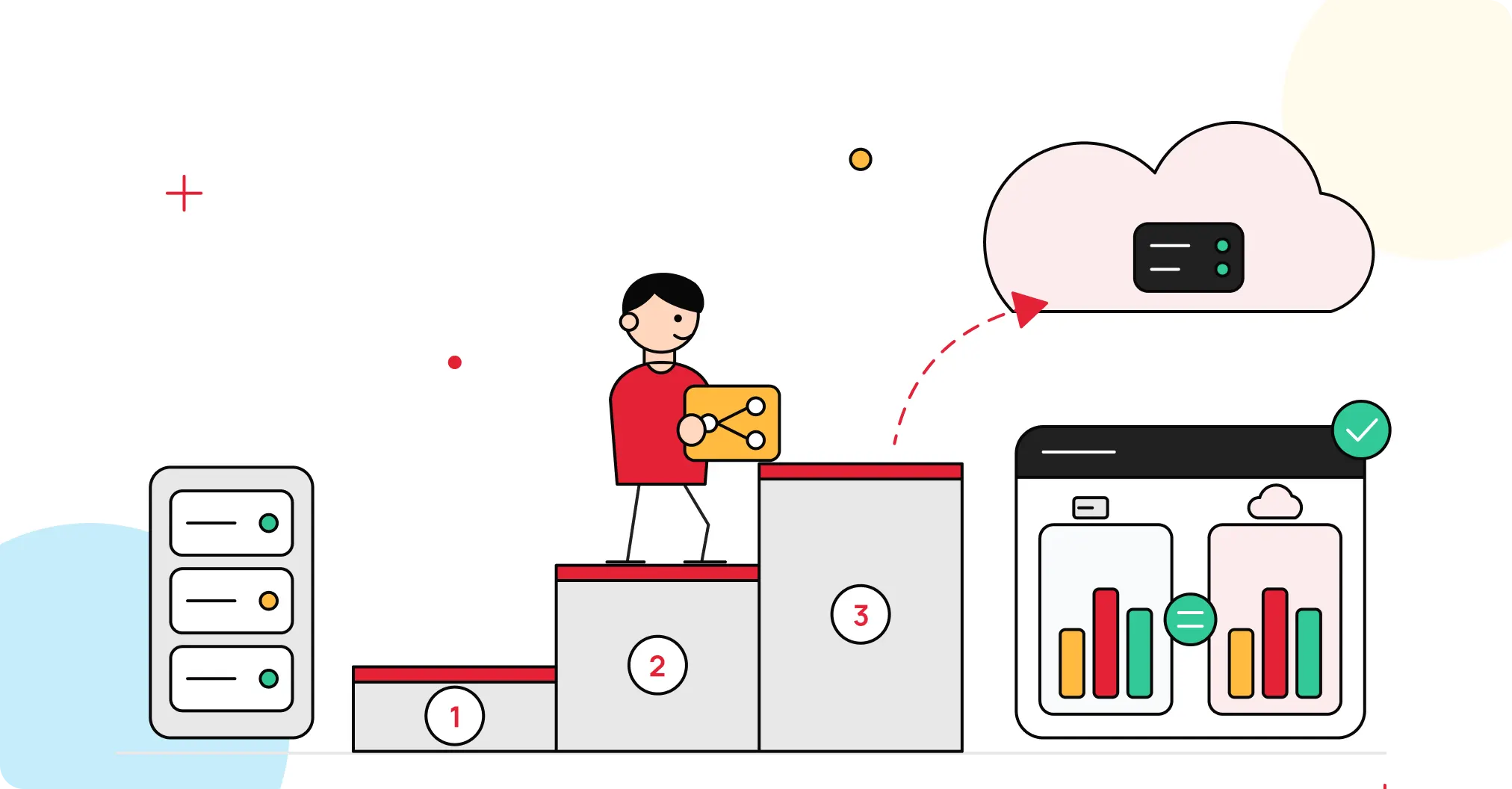
Each gap was closed in a fixed order so none is found by accident. Because each one fails without a clear message, every fix was confirmed by running a real job, not by reading a status screen.
- 01 Copy Drivers to Both Locations The MySQL JDBC driver files go into the process engine’s Tomcat library folder and the data integration server’s driver folder, followed by a connection test in each service.
- 02 Add the Two Shared Libraries libidn.so.11 and libiconv.so.2 are placed in the rdtm bin folder of the data integration server before the first mapping task runs.
- 03 Add the ODBC Entry The driver definition is copied into the new agent’s odbcinst.ini, and the connection is checked.
- 04 Restart the Messaging Manager It is stopped and started from the Server Configuration console as a named step after every agent restart, and checked before testing any queue-based process.
- 05 Stop Old Child Processes by Process ID The specific old child process is found by its process ID and stopped before the agent is restarted.
- 06 Safe Restart Rules The agent’s shutdown is always allowed to finish, because cancelling it with Ctrl+C can leave locks that need recovery. The embedded PostgreSQL and activevos databases are never removed or bypassed, because the Process Server needs both.
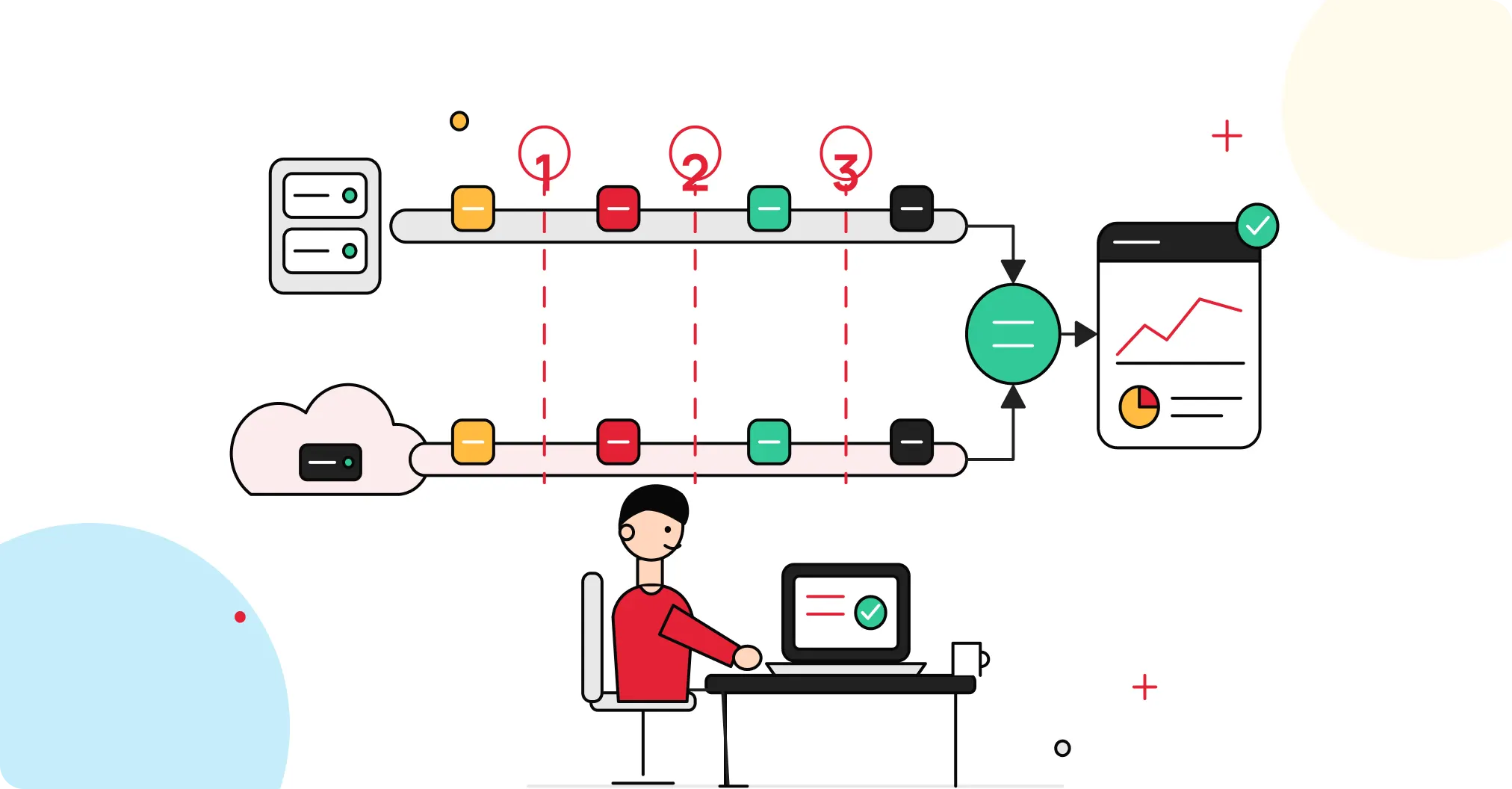
Data Flow Daigram

Technology Stack
| Category | Technology |
|---|---|
| Platform | Informatica IDMC Secure Agent (self-managed) |
| Operating System | Ubuntu 24.04 |
| Integration Engines | Cloud Application Integration, Cloud Data Integration |
| Application Server | Tomcat (process engine) |
| Messaging | ActiveMQ messaging manager |
| Database Connectivity | MySQL JDBC driver, ODBC (odbcinst.ini) |
| Embedded Databases | PostgreSQL, activevos |
D E L I V E R Y
How one agent moves from the old host to the new one
The agent is installed and registered on the new Ubuntu 24.04 host, where it shows as running, which proves very little. The database drivers are then copied to both runtime locations, the two shared libraries are added to the rdtm bin folder, and the ODBC entry is added to odbcinst.ini. Old child processes are stopped by process ID, and the agent is restarted with its shutdown allowed to finish normally. The messaging manager is restarted from the Server Configuration console. Finally, each service is proven with four real jobs: a connection test, one Cloud Data Integration mapping task, one Cloud Application Integration process that reads a database, and one process that uses a queue.
R E S U L T S
From a green status to proof that every service works
A green agent status only shows that the agent is connected. The four real jobs show that the engines, the drivers, and the messaging manager all work. Teams get a checklist that lets an agent move work on the first attempt, can be reused for the next host, and gives a clear list of the steps that need a person. It also works as a pre-move review for anyone planning an agent move. File locations and library versions can differ between agent releases, so confirm them against your own installation.
- 5 Ordered Steps Drivers, libraries, ODBC, old processes, and the messaging manager, closed in a fixed order.
- 4 Real Jobs Before Sign-Off A connection test, a mapping task, a database-reading process, and a queue process.
- 6 Post-Move Checks Connection tests in both engines, a mapping task with expected row counts, a process returning expected data, a queue message that arrives, and no old child processes left.
- 0 Old Child Processes Left Only processes started after the restart remain.
- 1 Reusable Checklist The same steps work for the next host and as a pre-move review.
T E A M
Meet the Engineers on Your Project
Every engagement is staffed by senior engineers from our Big Data team, who will plan, run, and support your move.


Ready to Build Yours?
Planning a Secure Agent Move?
Moving to a new server or upgrading the operating system? Our Informatica team can review your setup first, so your jobs work on day one.
Other Success Stories