Project Name
Ksolves Builds a Timestamp-Based Interactive Q&A Overlay for iOS Video Lectures
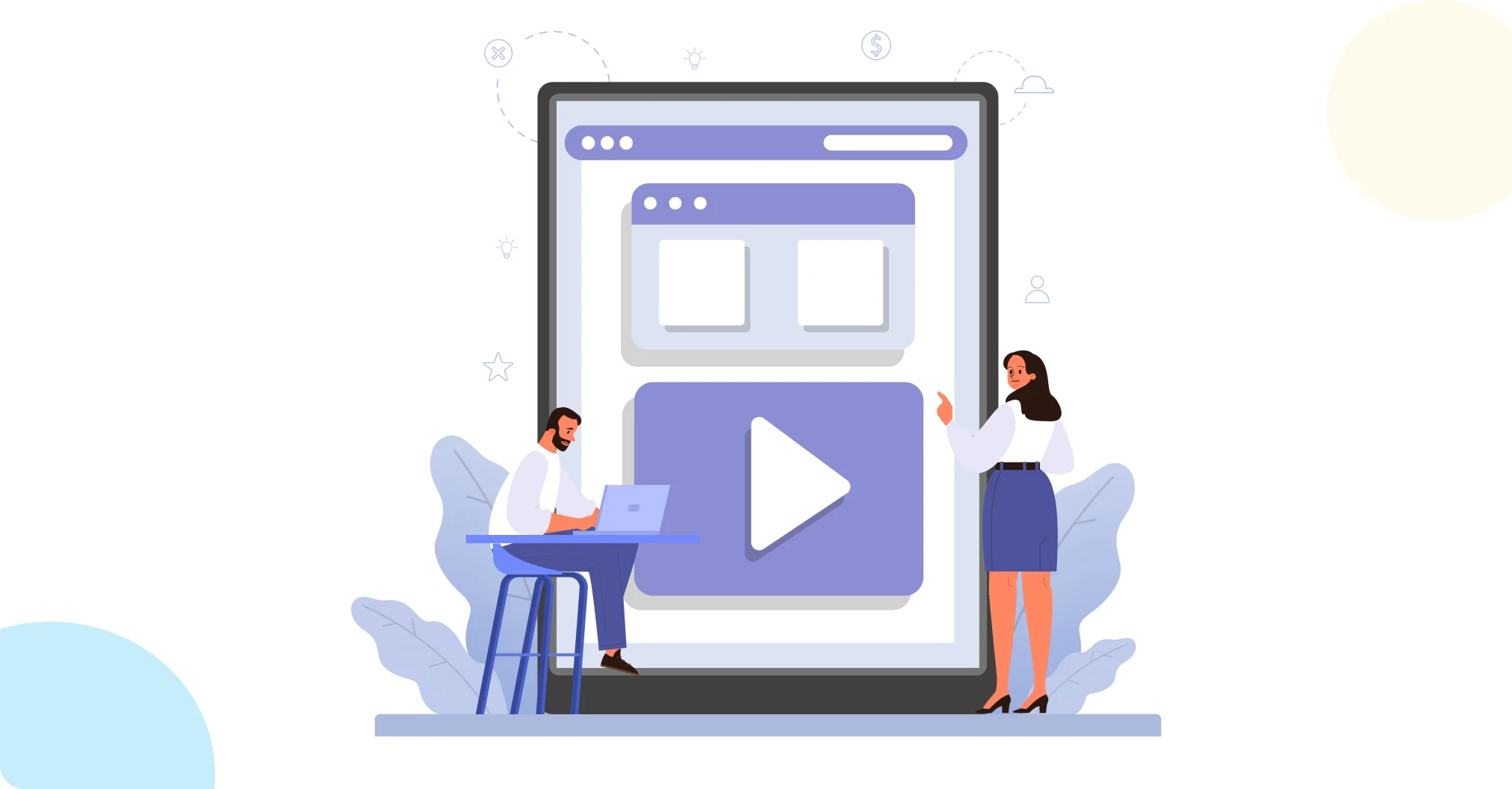

An online education platform was watching students consume video lectures passively, playing them in the background, skimming through without absorbing the material, which was quietly undercutting learning outcomes across the board. Ksolves brought iOS application development expertise to the problem, building an Interactive Media feature that pauses a lecture automatically at predefined timestamps, surfaces a question or quiz, and only lets playback resume once the student answers. Quiz completion rates rose by roughly 40%, and the web-to-native bridge responds in under 200 milliseconds, fast enough that the pause-ask-resume sequence feels instant rather than disruptive.
- Passive Consumption: Students could easily let a lecture run in the background without actually engaging with it, undermining the entire point of assigning the video in the first place.
- Content Skipping: Users could fast-forward or scrub straight to the end of a video to bypass the quizzes entirely, defeating any comprehension check built into the lecture.
- Web-to-Native Integration: The interactive quizzes were web-based while the video player was native to iOS, and bridging those two environments without lag was technically demanding.
- Disruptive User Experience: Pausing the video, loading a quiz, submitting an answer, and resuming playback all needed to feel instant, any noticeable delay would turn a comprehension check into a frustrating interruption.
The app combines a custom native video player with a smart web overlay to create a secure, guided learning path, built out in four stages.
- Web-to-Native Communication Bridge: To display web-based questions over the native video player, the app loads a secure web view container directly on top of the player interface, injecting a lightweight JavaScript listener that fires a custom event the moment a student submits an answer, caught instantly by the native app through a secure message handler.
- Automatic Video Pausing: The native video player continuously monitors playback time using a background timer, and the moment that time matches a scheduled quiz timestamp, the app pauses the video and brings the web overlay to the forefront.
- Smart Seeking Protection (Gated Progress): Whenever a student attempts to seek to a new point in the timeline, the app reviews every scheduled question before that target time, and if any are marked unanswered, the skip gets blocked and the student is returned to the pending quiz.
- Seamless Resuming: Once a student submits an answer, the web view sends a completion signal back to the native app, which hides the overlay, marks the question answered on the seek bar, advances the video by one second, and resumes playback automatically.
Technology Stack
| Category | Technology |
|---|---|
| Video Engine | AVPlayer / AVKit |
| Quiz Interface | WKWebView |
| Native-Web Bridge | WKUserContentController |
| Event Handling | JavaScript Message Handlers |
| Progress Gating | Custom Seek Controller |
| Data Tracking | Local Database Cache |
- 40% Higher Quiz Completion Rates: Prompting students with questions in real time shifted the learning experience from passive viewing to active participation, lifting quiz completion rates by roughly 40% compared to ungated video lectures.
- 100% of Skip Attempts on Unanswered Content Blocked: The smart seeking lock guarantees students cannot bypass a quiz, verifying comprehension of lecture content before they can move forward, structurally, not just by policy.
- Sub-200ms Web-to-Native Response Time: The communication bridge between the web-based quiz and the native video player responds in under 200 milliseconds, making the pause-ask-resume sequence feel completely natural instead of disjointed.
- Unified Single-Screen Experience: Managing the transition between watching and answering inside one screen container removed the confusion and context-switching that a separate quiz screen would have introduced.

Students on this platform could let a lecture play in the background without absorbing a word of it, and nothing in the product stopped them. Ksolves drew on its iOS application development expertise to replace that with an interactive media overlay built on a responsive JavaScript-to-native bridge and strict progress-gating logic, so students engage with the material at every critical learning milestone instead of drifting past it.
Quiz completion rates rose by roughly 40%, skip attempts on unanswered content are blocked entirely, and the web-to-native bridge responds fast enough that the whole pause-ask-resume sequence feels like part of the video, not an interruption to it. The result is a secure, interactive digital learning experience that verifies comprehension instead of assuming it.
Still Letting Students Watch Lectures Without Actually Engaging With Them?