

 Odoo
 5 MIN READ


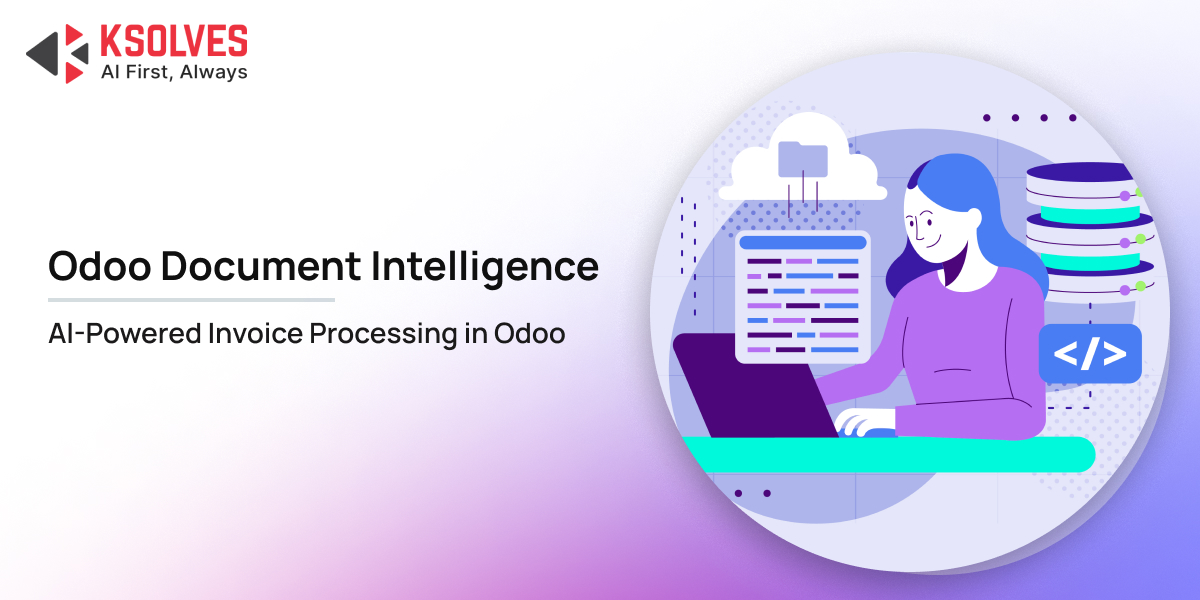
Invoice processing is one of the most repetitive tasks for finance and accounts payable teams. Every invoice that arrives by email or as a digital file may require someone to open it, identify the relevant details, enter them into Odoo, verify the information, and store the source document.
As invoice volumes increase, this manual process can consume significant time and introduce avoidable data-entry errors. AI-powered invoice processing in Odoo can automate much of this workflow by extracting information from invoices, validating the document, checking extraction confidence, and creating the corresponding Odoo vendor bill.
Why Automate Invoice Processing in Odoo?
Traditional invoice processing often involves several manual steps before an invoice becomes a transaction in Odoo. Finance teams may receive invoices through email, download attachments, review the document, enter vendor and invoice details, add line items, and then attach or file the original invoice.
This becomes increasingly difficult to manage when invoice volumes grow.
- Manual invoice entry creates repetitive work
Finance teams may repeatedly enter information such as:- Vendor name
- Invoice number
- Invoice date
- Due date
- Product or service details
- Quantities
- Unit prices
- Taxes
- Subtotals
- Total amounts
For high-volume accounts payable operations, repeating these tasks across hundreds of invoices can take substantial time.
- Invoice errors can affect downstream processes
An incorrectly entered invoice number, vendor, quantity, price, tax, or total can require additional verification and correction.Automating data extraction does not eliminate the need for controls. Instead, a well-designed AI invoice processing workflow should combine extraction with validation and confidence checks.
- Invoice volumes are difficult to scale manually
Adding more invoices to a manual process usually means adding more processing time. AI-based invoice automation provides a way to handle larger document volumes without making every invoice dependent on manual data entry. - Invoice processing often starts outside Odoo
Invoices frequently arrive as email attachments or digital files before anyone creates a vendor bill in Odoo.Automating the intake process can therefore be just as important as automating data extraction.
Still Entering Invoices Manually? Let Odoo Document Intelligence Automate the Repetitive Work.
How to Automate Invoice Processing in Odoo with Odoo Document Intelligence
Odoo Document Intelligence is designed to automate the movement of business documents into native Odoo records. For vendor invoices, the workflow can be broken down into seven stages.
Step 1: Send or Upload the Invoice
The invoice can enter the workflow through multiple channels, including:
- Configured email alias.
- Manual upload.
- Bulk upload.
- Odoo Documents App.
- Automated cron-based processing.
This gives finance teams flexibility in how invoices enter Odoo.
For example, a supplier can send an invoice to a configured Odoo email address. The document can then enter the automated processing workflow without requiring a finance user to manually download and upload it.
Step 2: Detect Duplicate Invoices
Before processing the document, KS Odoo Document Intelligence uses document fingerprinting to identify duplicate files.
The module uses an MD5 hash to help detect whether the same document has already been received. This provides an additional control against processing the same invoice multiple times.
Duplicate detection is particularly useful when invoices are received through multiple channels or when an attachment is accidentally submitted more than once.
Step 3: Validate That the Document Is an Invoice
Not every document received by an accounts team is necessarily an invoice.
The document first goes through an AI validation stage to determine whether it matches the selected document type.
If the document does not match the expected type, processing can be stopped rather than creating an incorrect Odoo record. This validation layer helps separate document identification from data extraction.
Step 4: Extract Invoice Data with AI
Once the document is validated as an invoice, AI extracts the relevant information and structures it for Odoo.
The extracted information can include:
- Vendor details
- Invoice reference
- Invoice and due dates
- Product or service lines
- Quantities
- Prices
- Taxes
- Subtotals
- Total amount
Odoo Document Intelligence uses AI-based extraction to convert the unstructured invoice into structured information that can be used to create an Odoo vendor bill.
The result is more than a block of extracted text. The information is structured around the fields required for the downstream Odoo workflow.
Step 5: Check Extraction Confidence
AI extraction should not mean blindly accepting every extracted value. Odoo Document Intelligence applies confidence checks to extracted information. When key fields fall below the configured confidence threshold, the document can be marked for human review.
This creates a controlled automation model:
High confidence → Continue processing
Low confidence → Human review
This approach is particularly useful for invoices with unusual layouts, unclear information, poor-quality scans, or ambiguous fields.
Step 6: Create the Odoo Vendor Bill
Once the invoice information passes the required checks, the system can create the corresponding Odoo vendor bill using the native account.move model.
Instead of leaving the extracted information in a separate OCR interface or spreadsheet, the data moves into the Odoo transaction workflow. Depending on the extracted invoice information, the vendor bill can contain details such as:
- Vendor
- Invoice reference
- Invoice date
- Due date
- Invoice lines
- Quantities
- Prices
- Taxes
- Total amount
Step 7: File the Original Invoice in Odoo Documents
The workflow does not end when the vendor bill is created. The original source document can also be stored in the Odoo Documents App under the relevant document category.
This helps maintain a connection between the source invoice and the resulting Odoo transaction. The overall workflow therefore becomes:
Source Invoice → AI Processing → Validation → Vendor Bill → Original Document Filing
What Finance Teams Gain from Automated Invoice Processing
Automating invoice processing can help finance teams improve several parts of their accounts payable workflow.
- Less manual data entry
AI can handle repetitive extraction tasks instead of requiring users to manually enter information from every invoice. - Faster invoice processing
Invoices can move through automated intake and extraction workflows without waiting for each document to be manually entered. - More consistent data capture
A structured extraction workflow can help standardize how invoice information is captured before it reaches Odoo. - Better document visibility
By filing source invoices within Odoo Documents, teams can maintain access to the original documents alongside their Odoo workflows. - Controlled automation
Confidence checks, validation, duplicate detection, and human review provide controls around the automation process rather than treating AI extraction as an unchecked step.
Ready to Process Invoices Faster Without Adding More Manual Data Entry?
Why Use Odoo Document Intelligence for Invoice Automation?
Odoo Document Intelligence takes invoice automation beyond basic OCR. Its workflow combines document intake, AI processing, validation, confidence checks, Odoo record creation, and document filing.
Key capabilities include:
- AI-powered invoice extraction.
- Automated document validation.
- Duplicate document detection.
- Confidence-based human review.
- Native Odoo vendor bill creation.
- Email-based document intake.
- Bulk and manual document upload.
- Odoo Documents App integration.
- Automated cron-based processing.
- Structured extraction workflow.
- Source document filing.
- Raw extraction data for auditability.
The underlying approach can be summarized as:
Document → AI → Validation → Confidence → Odoo
This makes the solution relevant for businesses looking to automate invoice processing while keeping the workflow within their Odoo environment.
Final Words
AI-powered invoice processing can help Odoo users reduce repetitive data entry and create a more streamlined accounts payable workflow. Instead of manually transferring information from every invoice, businesses can automate extraction, validation, confidence checks, and vendor bill creation.
With Odoo Document Intelligence, invoice automation becomes part of the Odoo workflow, from receiving the document to creating the vendor bill and filing the original invoice. The result is a more connected and controlled approach to processing invoices at scale.