

 Zoho
 5 MIN READ


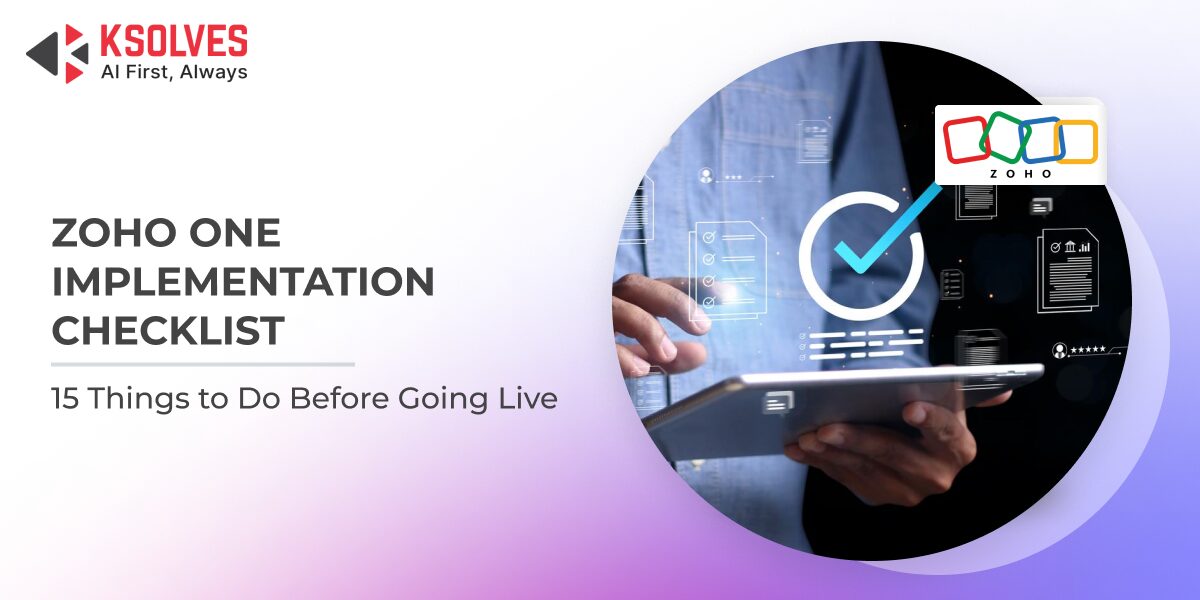
Implementing Zoho One is a strategic move for organizations aiming to unify operations, improve visibility, and scale efficiently. However, the success of your deployment depends heavily on how well you prepare before going live. A structured Zoho One Implementation Checklist helps your business avoid disruptions, data inconsistencies, and user adoption challenges.
This blog provides a practical Zoho One Checklist for implementation, covering the critical steps you must complete before launch to ensure a smooth transition and long-term success.
Complete Zoho One Implementation Checklist for a Successful Go-Live
1. Define Clear Business Objectives
Start by identifying what you want to achieve with Zoho One. Whether it is improving CRM efficiency, automating workflows, or consolidating tools, clarity at this stage helps guide every configuration decision.
2. Map Existing Business Processes
Document your current workflows across departments, including sales, finance, HR, and operations. This helps align Zoho applications with real business needs rather than forcing processes to fit the system.
3. Identify Required Zoho Applications
40-50+ integrated applications for sales, marketing, finance, and productivity. Select only the ones relevant to your business. For example, Zoho CRM for sales, Zoho Books for accounting, and Zoho People for HR.
4. Data Audit and Cleanup
Before migration, review your existing data for duplicates, outdated records, and inconsistencies. Clean data ensures better reporting and decision-making post-implementation.
5. Plan Data Migration Strategy
Define what data needs to be migrated, from where, and how. Decide whether to migrate everything or only the essential datasets. Also, plan for data validation after migration.
6. Set Up User Roles and Permissions
Create role-based access controls to ensure data security and operational clarity. Each user should only have access to what is necessary for their role.
7. Customize Modules and Fields
Tailor Zoho apps to match your business processes. Customize fields, layouts, and modules to reflect how your organization operates.
8. Configure Integrations
Ensure seamless integration between Zoho apps and any third-party systems you use. This may include payment gateways, marketing tools, or legacy systems.
9. Automate Key Workflows
Set up automation rules for repetitive tasks such as lead assignment, invoice generation, or approval processes. This reduces manual effort and improves efficiency.
10. Set Up Reporting and Dashboards
Define KPIs and configure dashboards for real-time insights. This helps leadership track performance and make data-driven decisions from day one.
11. Conduct System Testing
Before going live, test all workflows, integrations, and functionalities. Perform both functional and user acceptance testing to identify and fix issues.
12. Train Your Team
User adoption is critical. Conduct role-based training sessions so employees understand how to use the system effectively in their daily tasks.
13. Create Documentation
Prepare user guides, SOPs, and troubleshooting documents. This ensures that employees have a reference point even after training.
14. Establish Backup and Security Protocols
Set up data backup routines and security measures such as two-factor authentication and access monitoring to protect business-critical information.
15. Plan Go-Live Support
Ensure that a support team is available during and after the go-live phase to address issues quickly and minimize disruption.
Common Mistakes to Avoid in Zoho One Implementation
Even with a strong checklist, businesses often face challenges due to common oversights:
- Skipping process mapping and jumping directly into configuration
- Migrating poor-quality data without validation
- Over-customizing without understanding long-term impact
- Ignoring user training and change management
- Not testing integrations thoroughly
Avoiding these mistakes can significantly improve your implementation success rate.
Why a Structured Zoho One Checklist for Implementation Matters
A well-defined Zoho One Implementation Checklist ensures that your deployment is not just technically sound but also aligned with business goals. It reduces risks, accelerates adoption, and helps you realize ROI faster.
Without a checklist, businesses often face delays, cost overruns, and operational inefficiencies that could have been avoided with proper planning.
Partner with Experts for a Seamless Go-Live
Implementing Zoho One is not just about setting up software. It requires deep expertise in process mapping, customization, integration, and change management. This is where professional Zoho implementation service providers like Ksolves can make a difference.
Ksolves helps businesses streamline their Zoho deployment by aligning technology with real business needs. From initial consultation and system design to customization, integration, and post-go-live support, their experts ensure a smooth and efficient implementation journey.
Ready to Go Live with Confidence?
Let’s simplify your Zoho journey and eliminate implementation risks. Get expert guidance, faster deployment, and a system tailored to your business goals with Ksolves’ Zoho implementation services, or write us at [email protected].
Conclusion
A well-executed Zoho One Implementation Checklist is the foundation of a successful deployment. By addressing key areas like process mapping, data readiness, customization, and user training before going live, businesses can avoid costly errors and ensure faster adoption. Following a structured Zoho One Checklist for implementation not only reduces risks but also maximizes ROI. With the right strategy and expert support, organizations can unlock the full potential of Zoho One and drive long-term operational efficiency.