



Key iOS App Store Guidelines Every Developer Should Follow
iOS
5 MIN READ
June 13, 2026

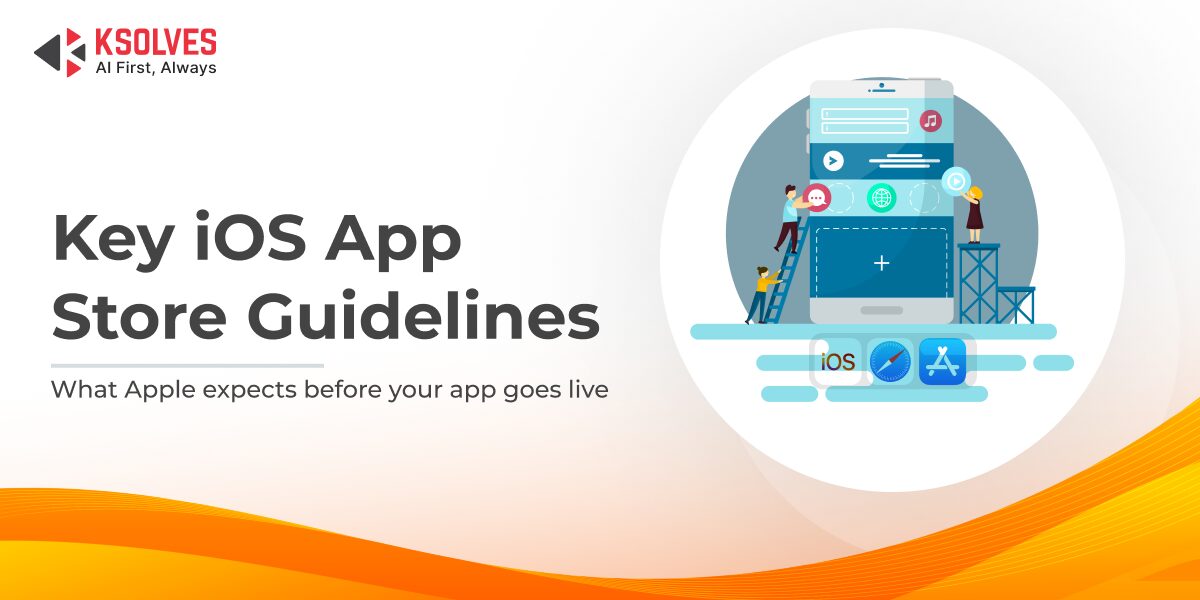
Apple is strict about quality, security, and user experience, which is why the App Store review process is far more controlled than most mobile ecosystems. Every developer planning an iOS release must work with Apple’s Human Interface Guidelines (HIG), App Store Review Guidelines, data handling rules, and technical constraints. Missing even a minor compliance requirement can cause immediate rejection, delayed rollout, or, in some cases, suspension.
This blog covers the key technical guidelines, examples, and best practices developers must follow to ensure seamless App Store approval.
Top App Store Guidelines Every Developer Should Follow
1. Building Stable and Predictable App Functionality
Apple will not approve any app that feels unstable, freezes during transitions, or crashes under specific user actions. Every workflow in the app must behave predictably during review.
Why Apps Get Rejected for Instability
- API timeouts causing crashes
- UI blocks due to heavy computations on the main thread
- Crashes triggered by missing Info.plist entries or private API usage
A shopping app fetching product details from a remote server without handling invalid JSON responses may crash during parsing. Apple testers see the crash logs and reject the build immediately.
Developer Best Practices
- Use background queues for large data processing
- Run UITests and XCTest suites for all critical flows
- Conduct TestFlight testing with real-world user scenarios
2. Handling User Data, Permissions, and Privacy Correctly
Apple enforces strict transparency around what data is collected and why. Any misleading permission prompt or hidden tracking mechanism results in review failure.
Key Privacy Expectations
- Request permissions during relevant user actions only
- Explain the exact reason behind each permission in Info.plist
- Match declared Privacy Nutrition Labels with actual in-app behavior
If your app asks for microphone access using AVAudioSession but the prompt description says “Required for full experience” instead of specifying the action — such as “Used to record voice notes” — Apple flags it as unclear.
Developer Implementation Tips
- Use ATTrackingManager for tracking consent
- Encrypt sensitive information using Keychain or CryptoKit
- Ensure all network requests comply with ATS requirements
3. Ensuring Accurate Metadata and Store Listing Assets
Apple compares your screenshots, previews, and descriptions against the actual state of the app. Anything misleading or outdated gets rejected.
Why Metadata Causes Rejections
- Screenshots of the UI from older versions
- Descriptions containing features not yet released
- Previews using mockups or simulated data that do not reflect real usage
If you recently redesigned your onboarding flow but the App Store listing still shows old screens, Apple assumes there is a metadata inconsistency and rejects the submission.
4. Meeting Human Interface Guidelines for UI and UX
Apple’s HIG ensures that every iOS app behaves naturally within the platform. Developers must follow layout, gesture, and interaction requirements to avoid UI-based rejection.
Essential HIG Requirements
- Use standard navigation components such as UINavigationController
- Respect Safe Area Insets for devices with Dynamic Island or notches
- Ensure all interactive elements are accessible and readable
If your custom bottom sheet covers the home indicator area and prevents swipe-up gestures, Apple considers it a violation of system navigation rules.
Developer Recommendations
- Build layouts using Auto Layout and adaptive stacks
- Support Dynamic Type with scalable fonts
- Implement dark mode using Semantic UI colors
5. Complying with StoreKit and In-App Purchase Requirements
For digital content and services, Apple requires developers to use StoreKit. External payment redirection or non-transparent subscription flows are not allowed.
Violations Apple Rejects Instantly
- Using an external website for subscription payments
- Not exposing a restore purchase option
- Hiding or minimizing subscription terms in the UI
A meditation app that offers premium sessions via a custom web payment instead of StoreKit is directly rejected for bypassing Apple’s payment ecosystem.
Ship Compliant. Ship Faster.
Why You Should Work With an Experienced iOS App Development Company
Apple’s review ecosystem can be challenging for teams unfamiliar with platform-specific guidelines. A single missed detail can trigger repeated rejections.
If you want guaranteed compliance and flawless execution, Ksolves — a trusted iOS App Development Company — helps teams build, optimize, and submit fully compliant iOS apps with end-to-end guidance.
Conclusion
Building an iOS application that passes Apple’s strict review process requires careful planning and adherence to UI design rules, data privacy policies, StoreKit requirements, security standards, and performance optimization techniques. Teams that embed these guidelines early in development experience smoother approvals and better user ratings once live on the App Store.































Author
About the Author Editorial Team The Ksolves Editorial Team includes certified Salesforce experts, Big Data engineers, AI/ML specialists, Zoho consultants, and experienced technology writers focused on delivering clear, actionable insights for modern businesses. With hands-on experience across Salesforce, Big Data platforms, AI/ML solutions, application development, software testing, and Zoho ERP/CRM, the team publishes practical guides, real-world use cases, and industry updates that support smarter decisions and faster growth. Every article is created to solve business challenges, guide technology adoption, and keep organizations aligned with evolving digital ecosystems.
Share with