



Salesforce QA vs Traditional Software Testing
Salesforce
5 MIN READ
September 27, 2026

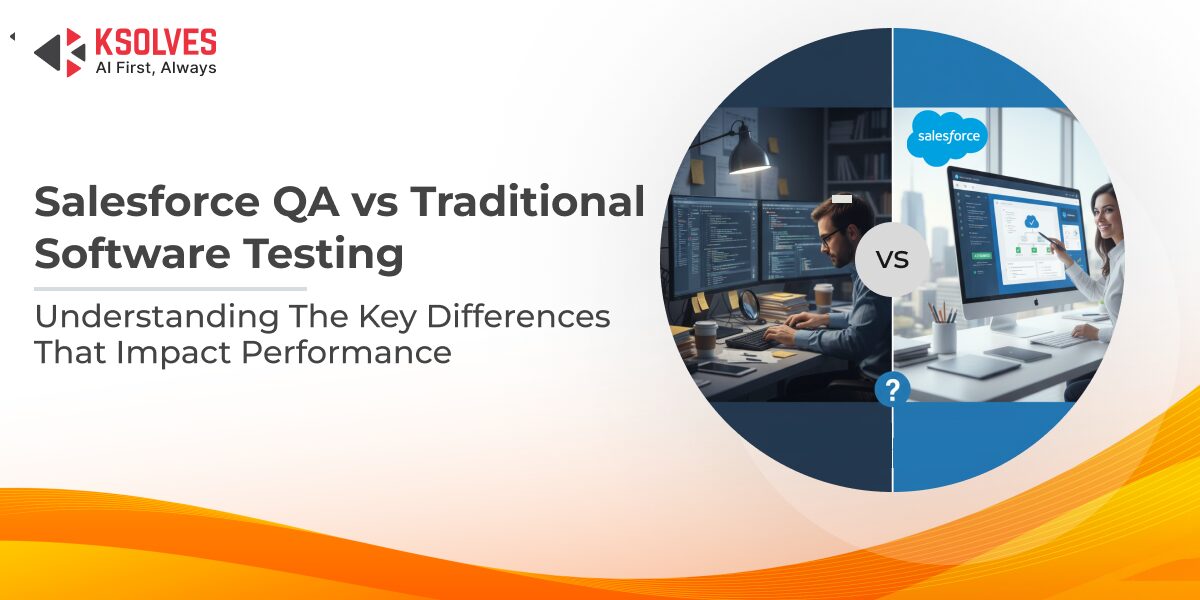
Software testing is a critical part of the development lifecycle, ensuring that applications function correctly, deliver a seamless user experience, and remain secure. Traditionally, QA teams focused on verifying features, detecting bugs, and validating performance in on-premise or standalone applications.
However, the rise of cloud-based platforms like Salesforce has transformed the way businesses build, deploy, and maintain applications. Salesforce’s frequent updates, deep customizations, and multi-tenant architecture make traditional testing approaches insufficient. In fact, 92% of Salesforce professionals have experienced production issues due to inadequate testing.
In this blog, we’ll explore how Salesforce QA differs from traditional software testing, the unique challenges involved, and the best practices that ensure high-quality cloud deployments.
What is Traditional Software Testing?
Traditional software testing refers to the process of validating applications that are typically built for on-premise or standalone environments. The goal is to ensure that the software meets defined requirements, functions as expected, and delivers a reliable user experience before it is released to production. Testing usually happens in clearly defined phases and follows structured test plans and documentation.
Common Testing Types
| Testing Type | What It Covers |
|---|---|
| Manual Testing | Human-driven validation of application workflows |
| Automation Testing | Script-based testing for repetitive scenarios |
| Functional Testing | Verification of business logic and features |
| Non-Functional Testing | Performance, security, and usability testing |
Commonly Used Tools
- Selenium
- JUnit
- TestNG
- Postman
This traditional approach works well for stable systems with predictable release cycles but requires adaptation when applied to dynamic, cloud-based platforms like Salesforce.
What is Salesforce QA?
Salesforce QA focuses on validating applications built on the Salesforce platform, ensuring that configurations, customizations, and integrations function correctly within a cloud-based, multi-tenant environment. Unlike traditional applications, Salesforce solutions rely heavily on platform features, declarative tools, and frequent system updates.
Key Areas Covered in Salesforce QA
- Configuration-based testing (objects, fields, workflows, flows)
- Custom development testing (Apex, Lightning components)
- Integration testing with external systems and APIs
- Data integrity and security validation
Commonly Used Tools
- Salesforce Apex Test Framework
- Provar
- Selenium (Salesforce-specific automation)
Also Read: Automation Testing for Salesforce: Provar vs Selenium
Salesforce QA vs Traditional Software Testing: Key Differences
Salesforce QA and traditional software testing differ significantly in approach due to variations in platform architecture, release cycles, and customization models.
| Aspect | Traditional Software Testing | Salesforce QA |
|---|---|---|
| Platform Type | On-premise or standalone applications | Cloud-based Salesforce platform |
| Architecture | Single-tenant, fully controlled | Multi-tenant, Salesforce-managed |
| Customization | Code-heavy, limited configuration | Configuration-driven with Apex, Flows, and Lightning |
| Release Cycle | Infrequent, organization-controlled | Frequent Salesforce releases (three times a year) |
| Testing Focus | Core functionality and performance | Configurations, custom logic, integrations, and security |
| Environment Management | Dedicated test environments | Sandboxes managed within Salesforce |
| Automation Approach | General automation frameworks | Salesforce-specific automation and Apex testing |
| Integration Testing | Often limited or staged | Critical due to heavy reliance on external systems |
| Compliance & Security | Application-specific | Platform-driven with role-based access and data controls |
Challenges in Salesforce QA vs Traditional QA
Quality assurance in Salesforce environments introduces unique challenges that go beyond those found in traditional software testing.
1. Frequent Salesforce Releases
Salesforce delivers platform updates three times a year, which can impact existing configurations, custom code, and integrations. Unlike traditional QA, where release timing is controlled internally, Salesforce QA teams must continuously validate system behavior after each update to prevent regressions.
2. Testing Customizations and Third-Party Integrations
Salesforce implementations rely heavily on custom objects, Apex logic, Flows, and integrations with external systems such as ERPs, marketing tools, and payment platforms. Validating these interconnected components is more complex than testing isolated features in traditional applications.
3. Data Security and Compliance Requirements
Salesforce often handles sensitive customer and business data, making security testing critical. QA teams must ensure role-based access, data visibility, and compliance with regulations like GDPR and HIPAA, adding an extra layer of responsibility compared to traditional testing environments.
4. Maintaining Test Coverage During Configuration Changes
Frequent configuration updates, such as workflow changes or new automation rules, can quickly invalidate existing test cases. Unlike traditional QA, where changes are less frequent, Salesforce QA requires continuous test maintenance to ensure coverage remains intact.
Best Practices for High-Quality Salesforce Implementations
Adopting the right QA practices helps ensure stability, performance, and compliance across Salesforce implementations.
1. Automate Regression Testing
Automate repetitive and business-critical test cases using Salesforce-friendly tools to ensure core functionality remains stable after configuration changes and platform updates.
2. Use Sandbox Environments Effectively
Leverage Salesforce sandboxes to safely test configurations, custom code, and integrations without impacting production data or users.
3. Keep Test Scripts Updated
Review and update test cases regularly to align with Salesforce’s seasonal releases and ongoing configuration changes, preventing outdated or failing tests.
4. Prioritize Integration & User Experience Testing
Validate data flows between Salesforce and connected systems while ensuring end users experience seamless, intuitive workflows across devices.
5. Adopt Continuous Testing with Salesforce DX
Integrate automated testing into CI/CD pipelines using Salesforce DX to enable faster deployments, early defect detection, and consistent quality across releases.
Deploy Salesforce with Confidence Through Expert QA
Conclusion
As Salesforce continues to support critical business operations, quality assurance must evolve alongside the platform. While traditional software testing remains effective for stable and controlled environments, it does not fully address the dynamic nature of Salesforce’s cloud ecosystem.
Salesforce QA requires a platform-focused approach that accounts for frequent releases, extensive configurations, complex integrations, and strict data security requirements. By understanding these differences and applying Salesforce-specific QA best practices, organizations can reduce risk, maintain system stability, and deliver consistent user experiences.
With deep Salesforce expertise and dedicated Salesforce testing services, Ksolves helps organizations implement robust Salesforce QA strategies tailored to their business needs. By combining platform knowledge, automation, and best practices, Ksolves enables businesses to deploy with confidence and achieve long-term success on the Salesforce platform. So, contact our team today at [email protected].
Frequently Asked Questions
How often should Salesforce orgs run regression testing?
Salesforce orgs should run regression testing before each of Salesforce’s three seasonal releases (Spring, Summer, and Winter) and after every significant configuration or code change. Teams typically test in preview sandboxes, which receive the new release several weeks before production, so issues surface before users are affected.
What happens if you deploy Salesforce changes without proper QA?
Deploying Salesforce changes without proper QA often leads to broken Flows, failed integrations, incorrect data visibility, and user-facing errors in production. These defects cost far more to fix after go-live and can expose sensitive data if security settings are misconfigured. Ksolves helps teams avoid this by validating configurations, custom code, and integrations before release.
Does Salesforce require test coverage before deploying Apex code?
Yes, Salesforce requires at least 75% Apex code coverage across the org before Apex can be deployed to production. However, code coverage is a deployment gate rather than a quality measure, and declarative automation such as Flows and validation rules still needs separate functional testing.
Which Salesforce sandbox should I use for user acceptance testing?
For Salesforce user acceptance testing, a Full or Partial Copy sandbox is usually the best choice because it contains production-like data. Developer sandboxes suit unit testing, while Full sandboxes are ideal for performance and end-to-end UAT that mirror real business workflows.
Is Selenium or Provar better for Salesforce test automation?
For Salesforce test automation, Provar is generally easier to maintain because it is metadata-aware and handles Lightning’s dynamic page structure natively. Selenium is free and flexible but needs more scripting effort to cope with dynamic element IDs and shadow DOM. Many teams pair Apex unit tests with one UI automation tool.
Should I build an in-house Salesforce QA team or outsource testing?
Whether to build an in-house Salesforce QA team or outsource depends on release frequency, org complexity, and internal skills. Outsourcing to a Salesforce testing partner such as Ksolves gives access to certified testers, ready automation frameworks, and seasonal-release readiness without hiring overhead.
Still have questions about Salesforce QA? Contact our team.

































Author
About the Author Editorial Team The Ksolves Editorial Team includes certified Salesforce experts, Big Data engineers, AI/ML specialists, Zoho consultants, and experienced technology writers focused on delivering clear, actionable insights for modern businesses. With hands-on experience across Salesforce, Big Data platforms, AI/ML solutions, application development, software testing, and Zoho ERP/CRM, the team publishes practical guides, real-world use cases, and industry updates that support smarter decisions and faster growth. Every article is created to solve business challenges, guide technology adoption, and keep organizations aligned with evolving digital ecosystems.
Share with