



Salesforce Implementation Checklist 2026 for Modern Enterprises
Salesforce
5 MIN READ
September 18, 2026

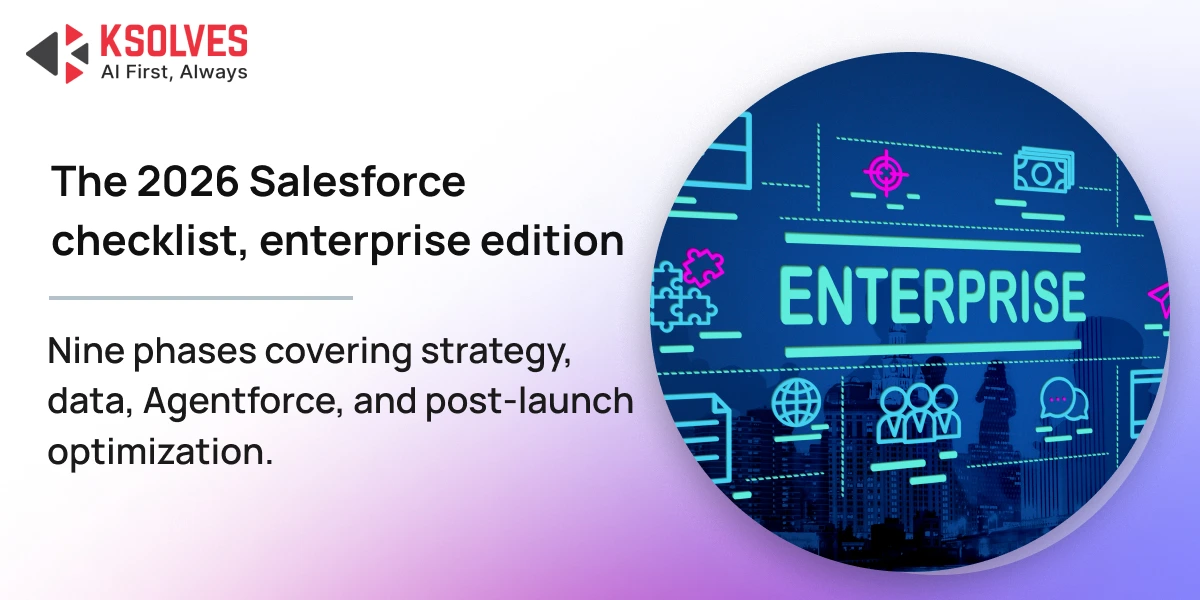
The Salesforce landscape is evolving rapidly as we move into 2026. Traditional implementation approaches are no longer sufficient for modern enterprises. With the rise of Agentforce, Data Cloud as a foundational layer, and hyper-automation capabilities, organizations need an AI-first, future-ready methodology. This comprehensive checklist walks you through every critical step of implementing Salesforce in 2026, helping you leverage advanced capabilities while delivering measurable business value. A practical checklist to help modern enterprises plan, implement, and scale Salesforce in 2026. Covers strategy, data, AI, automation, and post-go-live optimization.
1. Strategic Planning and Preparation
A successful Salesforce implementation begins with strong planning and clear direction. Start by defining your business vision and objectives. Whether your goal is revenue growth, operational efficiency, or superior customer experience, your strategy should align with 2026 priorities such as AI adoption, intelligent automation, and unified data architecture.
Build a cross-functional implementation team that includes Project Managers, Salesforce Admins, and Business Analysts. For 2026-ready implementations, also involve AI specialists and Data Cloud experts who understand modern Salesforce architecture. Secure executive sponsorship early to ensure organizational alignment and proper resource allocation.
Conduct a detailed needs assessment by engaging end users and department leaders. Document existing processes, identify pain points, and analyze workflows to uncover areas where AI agents and automation can deliver immediate value. This step helps control scope and ensures Salesforce addresses real business challenges.
Finally, define your rollout strategy. Choose between a phased deployment to reduce risk or a big-bang approach for faster time to value. Plan a multi-cloud architecture that connects Sales, Service, Marketing, and Commerce Clouds, and factor in industry-specific requirements such as healthcare, retail, or manufacturing configurations.
2. Foundation and Environment Setup
Establish Data Cloud as the Core Foundation
In 2026, Data Cloud is the backbone of Salesforce. It serves as the single source of truth for customer and operational data and powers AI-driven capabilities across the platform. Configure zero-copy connections to systems such as ERP platforms, data lakes, EHRs, or inventory systems. This approach enables real-time insights without traditional data movement or duplication.
Set up a unified semantic layer that supports agent-to-agent communication and trusted data exchange. This foundation enables a real-time 360-degree customer view that is accessible across teams and continuously updated.
Configure Salesforce Environments
Set up your environments using the Sandbox to UAT to Production model. Enable DevOps Center and CI/CD pipelines to support reliable, zero-downtime deployments. Configure company branding, profiles, roles, and permission sets with security as a priority.
Apply industry-specific compliance settings such as HIPAA or GDPR where required. Early attention to governance and security helps prevent rework and risk later in the project.
Plan and Design Integrations
Identify all systems that need to integrate with Salesforce, including ERP systems, marketing platforms, customer service tools, and legacy applications. Select the right integration approach using MuleSoft for complex enterprise integrations, native connectors for standard platforms, or middleware for legacy systems.
Ensure data synchronization processes include proper error handling, monitoring, and support for AI-driven agent communication.
Ready to Build an AI-First Salesforce Foundation?
3. Data Migration and Data Governance
Begin with a comprehensive data audit to identify duplicates, outdated records, and inconsistencies. Many enterprises find that a significant portion of legacy data requires cleansing before use.
Clearly define what data should be migrated. Not all historical data needs to move into Salesforce. With Data Cloud’s zero-copy architecture, some data can remain in source systems while still being accessible in Salesforce.
Map data fields carefully between source systems and Salesforce objects to preserve accuracy and relationships. Test migrations thoroughly in sandbox environments using tools such as Data Loader or Import Wizard. After migration, validate data integrity and establish ongoing data governance policies to maintain quality over time.
4. AI and Automation Enablement
Deploy Agentforce
Agentforce is central to Salesforce implementations in 2026. Deploy AI agents designed for specific functions such as sales, service, and internal operations. These agents can manage pipelines, handle customer inquiries, and support employees with real-time assistance.
Configure orchestrator agents to manage complex, cross-functional workflows that span inventory checks, billing, and customer support. Define clear escalation paths where agents hand over to human users when judgment or empathy is required. Establish boundaries, permissions, and governance to ensure responsible AI usage.
Implement Hyper-Automation
Use Flow Builder and Einstein Automate to design intelligent, end-to-end workflows. Automate approvals, notifications, record updates, and validations to reduce manual effort. Introduce AI-powered testing and quality assurance automation to accelerate release cycles while maintaining reliability.
Enable Low-Code Capabilities
Empower admins and business users with low-code tools. Build custom objects, dynamic forms, and role-based apps without heavy development effort. Use Einstein Analytics to deliver predictive insights that support proactive decision-making.
5. Customization and User Experience
Design Salesforce around how users actually work. Configure custom fields, page layouts, and Lightning apps tailored to specific roles such as sales, service, and leadership. Ensure mobile optimization for remote and on-the-go teams.
Automate business rules using validation logic, approval processes, and alerts. Set up standardized email templates, dashboards, and reports that provide actionable insights. Use AI-driven next-best-action recommendations to guide users toward better outcomes.
6. Testing and Quality Assurance
Testing is critical to a stable go-live. Perform unit testing, integration testing, and user acceptance testing with real end users. Validate system performance under peak loads and test AI agents for accuracy, escalation logic, and response quality.
Ensure all requirements are traceable and validated against original business objectives before approval.
7. Training and Change Management
Develop role-based training programs for different user groups. Provide clear guidance on AI agent usage so users understand when to rely on automation and when to intervene manually.
Create administrator documentation covering configurations, automation logic, and maintenance processes. Support change management through proactive communication, quick wins, and accessible support resources. Strong adoption is essential to realizing Salesforce value.
8. Deployment and Go-Live
Complete a final readiness check that includes data validation, configuration review, and access verification. Deploy using a controlled rollout strategy and communicate timelines and support channels clearly.
Monitor system performance closely during go-live and provide immediate support through help desks, super users, or dedicated teams to resolve issues quickly.
9. Post-Launch Optimization
Track system performance, adoption rates, and AI agent effectiveness. Measure results against defined KPIs and business goals. Gather user feedback regularly and refine workflows, automation, and AI behavior based on real-world usage.
Salesforce implementation is an ongoing journey. Plan enhancements that leverage new Salesforce releases and evolving AI capabilities.
Why Choose Ksolves for Salesforce Implementation
Ksolves is a trusted Salesforce Summit Partner with deep expertise in delivering AI-driven, enterprise-grade Salesforce implementation services. We help organizations design future-ready architectures built on Data Cloud, Agentforce, and intelligent automation.
Our team brings together Salesforce consultants, AI specialists, and industry experts to deliver scalable, secure, and high-performing solutions across Sales, Service, Marketing, Commerce, and industry clouds. From Salesforce implementation to optimization and managed services, we ensure Salesforce delivers continuous and measurable business value.
Proven Impact Through Real-World Salesforce Implementations
Our Salesforce implementations are backed by tangible business outcomes:
- Improved Client Retention: For a services-driven organization, Ksolves implemented Salesforce automation and data-driven insights to unify customer interactions and service workflows. The result was improved client engagement, stronger relationship management, and a measurable increase in customer retention through proactive service delivery.
- Reduced Appointment Errors: For a customer-facing enterprise, we redesigned scheduling and service processes using Salesforce automation and validation logic. This significantly reduced appointment errors, improved operational accuracy, and enhanced the overall customer experience.
These case studies demonstrate how Ksolves goes beyond implementation to solve real business challenges using intelligent Salesforce solutions.
Let’s Build Your Future-Ready Salesforce Ecosystem
Conclusion
A successful Salesforce implementation in 2026 requires more than a traditional checklist. It demands a strategic focus on AI, data unification, and automation. By following this structured approach and leveraging modern Salesforce capabilities, enterprises can build a resilient, intelligent platform that drives measurable outcomes.
With Agentforce, Data Cloud, and hyper-automation at the core, Salesforce becomes more than a CRM. It becomes a powerful engine for enterprise transformation. Ksolves can help you design and implement this future-ready Salesforce ecosystem. Contact us at [email protected] to get started.
FAQs
What is a Salesforce implementation checklist?
A Salesforce implementation checklist is a structured, step-by-step plan covering strategic planning, data migration, AI and automation setup, customization, testing, training, and post-launch optimization. In 2026, an enterprise-grade checklist also accounts for Data Cloud as the data foundation and Agentforce for AI agents. Following one helps avoid scope creep and reduces the risk of a failed rollout.
What happens if a business skips proper Salesforce implementation planning?
Skipping planning usually leads to poor user adoption, inconsistent data, and automations that don’t match how teams actually work. Enterprises that rush past the needs-assessment and rollout-strategy steps often face costly rework after go-live. A documented plan with executive sponsorship and a clear rollout strategy significantly lowers this risk.
How long does a Salesforce implementation typically take in 2026?
Timelines vary with scope, but most enterprise implementations run several months, longer when they include Data Cloud setup, multi-cloud integration, and Agentforce configuration. A phased deployment extends the overall timeline but reduces risk at each stage, while a big-bang approach is faster but riskier. Working with an experienced partner such as Ksolves can shorten timelines by avoiding common configuration and data-migration mistakes.
What’s the difference between a phased and big-bang Salesforce rollout?
A phased rollout deploys Salesforce in stages, letting teams adopt one cloud or process at a time and reducing risk. A big-bang rollout launches everything at once, which can reach value faster but raises the stakes if something goes wrong. Most enterprises with multiple clouds — Sales, Service, Marketing, Commerce — favor a phased approach for that reason.
Who should be on a Salesforce implementation team?
A well-rounded team includes a Project Manager, Salesforce Admins, and Business Analysts, with executive sponsorship secured early. For 2026-ready implementations, AI specialists and Data Cloud experts are also needed to configure agents and the unified data layer. Larger enterprises often add industry specialists for compliance-heavy sectors like healthcare or finance.
How does Agentforce fit into a 2026 Salesforce implementation?
Agentforce is deployed during the AI and automation phase to run function-specific AI agents for sales, service, and internal operations. Implementation teams configure orchestrator agents for cross-functional workflows and define clear escalation paths so agents hand off to humans when needed. Ksolves builds these agents with defined governance boundaries so AI usage stays within approved limits.
Why work with a partner like Ksolves for Salesforce implementation?
Ksolves is a Salesforce Summit Partner that has delivered enterprise-grade implementations built on Data Cloud, Agentforce, and intelligent automation. Its team combines Salesforce consultants, AI specialists, and industry experts, and its case studies show measurable outcomes like improved client retention and fewer appointment errors. That combination helps enterprises move from a checklist to a working, AI-first Salesforce environment.
Have a specific implementation question? Contact our team.
Frequently Asked Questions































Author
About the Author Editorial Team The Ksolves Editorial Team includes certified Salesforce experts, Big Data engineers, AI/ML specialists, Zoho consultants, and experienced technology writers focused on delivering clear, actionable insights for modern businesses. With hands-on experience across Salesforce, Big Data platforms, AI/ML solutions, application development, software testing, and Zoho ERP/CRM, the team publishes practical guides, real-world use cases, and industry updates that support smarter decisions and faster growth. Every article is created to solve business challenges, guide technology adoption, and keep organizations aligned with evolving digital ecosystems.
Share with