
 ServiceNow
  5 MIN READ


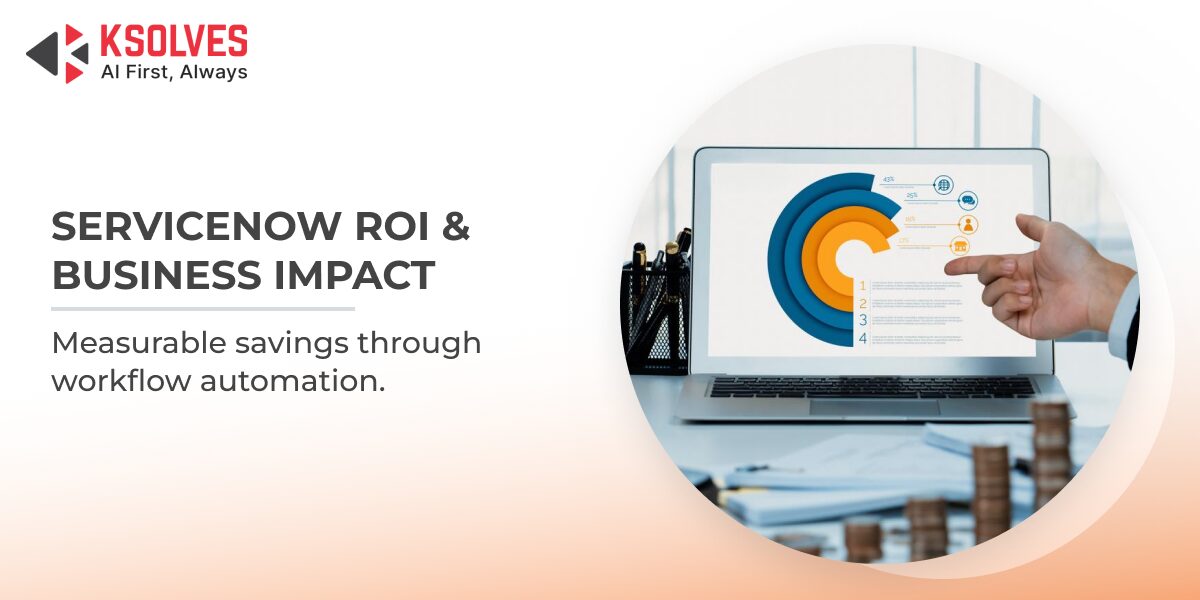
Enterprises investing in ServiceNow workflow automation are seeing measurable operational improvements backed by real-world enterprise data. According to a study commissioned by ServiceNow, organizations achieved significant gains through increased self-service adoption, faster employee onboarding, reduced manual IT workloads, and improved service delivery efficiency. Many enterprises reported noticeable productivity improvements and operational cost savings within the first year of deployment. This blog explores where those savings come from, how workflow automation impacts day-to-day IT operations, and why long-term ROI continues to grow as automation expands across the enterprise.
If you are evaluating ServiceNow or trying to make sense of your deployment results, this is the breakdown that matters.
The Hidden Cost of Unautomated IT Processes
Before calculating what ServiceNow saves, it helps to understand what enterprises are losing without it. Manual IT processes are expensive in ways that rarely appear as a single line item on a budget report. They accumulate quietly like a service request that requires three handoffs, a password reset that pulls a tier-2 technician away from a critical incident, and an onboarding workflow that takes five days because no one has visibility into pending approvals.
According to a Harvard Business Review report on Intelligent Process Automation, organizations that implement intelligent process automation effectively have recorded productivity improvements of up to 75% with a quadrupled return on investment, demonstrating that the cost of inaction is not neutral but actively compounding.
For IT departments specifically, the burden is concentrated in a few areas such as incident management, which consumes a disproportionate share of team hours; change management creates bottlenecks that slow delivery pipelines, and service requests pile up during peak periods because triage is still manual. When ServiceNow IT automation is deployed with intention, these are precisely the pressure points it addresses first.
What ServiceNow Workflow Automation Changes at the Process Level
ServiceNow does not simply digitize existing processes but also restructures them around intelligent triggers, auto-routing logic, and cross-system integrations that reduce the need for human intervention at each handoff. The ServiceNow automation engine sits at the center of this transformation, classifying tickets, escalating incidents based on business impact, pulling context from configuration management databases, and closing routine requests without agent involvement.
The ServiceNow Flow Designer component deserves particular attention here. It gives non-developer teams the ability to automate repetitive IT tasks through a visual, no-code interface. This democratizes automation beyond the IT team itself, allowing HR, finance, and operations to build and own their own workflow automation without opening a single JIRA ticket to the development team.
For enterprises that have already deployed ITSM but have not yet tapped into ServiceNow intelligent automation, the gap in realized value can be significant. The platform has the capability, but the configuration effort determines whether it is used as a glorified ticketing system or as a genuine business process automation ServiceNow environment.
Understanding ServiceNow ROI Beyond License Costs
Many businesses underestimate ROI because they evaluate only software costs. The real financial impact comes from four areas:
1. Labor Efficiency Gains
Manual approvals, ticket routing, reporting, and repetitive coordination consume significant employee time. With ServiceNow workflow automation, organizations can automate repetitive IT and business activities, allowing teams to focus on higher-value initiatives.
Examples include:
- Automated ticket assignment
- Incident categorization
- Employee onboarding
- Change request approvals
- Knowledge article recommendations
2. Faster Resolution Times
Delayed service delivery creates hidden operational costs. Using ServiceNow IT automation, enterprises reduce:
- Mean time to resolution (MTTR)
- Escalation cycles
- Downtime losses
- SLA breaches
3. Lower Error and Rework Costs
Human-driven processes introduce duplication and inconsistencies. Automation reduces:
- Incorrect routing
- Manual data entry errors
- Duplicate service requests
- Compliance failures
4. Operational Scalability
Instead of hiring additional support teams as demand grows, organizations use automation to scale operations more efficiently. These combined outcomes create measurable workflow automation cost savings within the first year.
Where ServiceNow Delivers the Highest ROI in Year 1
Understanding IT workflow automation ROI requires breaking it down by function, not just by cost center.
- Incident Management Automation: ServiceNow’s auto-categorization, priority scoring, and intelligent assignment dramatically cut the time a ticket spends sitting unacknowledged. Incidents that once required multiple manual handoffs are routed, escalated, and resolved through automated workflows, freeing IT teams from reactive firefighting and redirecting capacity toward higher-value work.
- IT Onboarding and Offboarding: ServiceNow HR Service Delivery consolidates provisioning requests, access approvals, hardware fulfillment, and orientation tasks into a single orchestrated workflow. According to Forrester TEI research, organizations reduced onboarding ramp-up time from three weeks to one week, helping new hires reach full productivity nearly two weeks faster. Automated onboarding and offboarding workflows also streamline HR, IT, security, and compliance coordination while reducing manual processing overhead.
- Change Advisory Board (CAB) Automation: ServiceNow’s risk intelligence and workflow automation capabilities reduce the dependency on manual approvals for low-risk and standard changes. By automating repetitive governance tasks and routing only high-impact changes for deeper review, organizations improve operational efficiency while enabling IT architects and managers to focus on strategic infrastructure decisions rather than routine approvals.
- Self-Service Deflection: The ServiceNow service portal, backed by virtual agents and centralized knowledge management, significantly increases self-service adoption and ticket deflection. Forrester found organizations increased self-service usage from as low as 4% to 34%, while employees saved up to 15 minutes on tier-one requests and up to 30 minutes on complex tier-two requests. Across large enterprises, these efficiencies translated into more than 77,000 hours of end-user time savings over three years.
Also Read: Why ServiceNow Implementations Fail And How to Avoid It
The Role of ServiceNow Flow Designer in ROI Acceleration
One capability that significantly impacts adoption speed is the ServiceNow flow designer. Instead of relying entirely on custom development, teams can build and manage workflow logic through a low-code environment.
Benefits include:
- Faster deployment cycles
- Reduced dependency on engineering teams
- Easier workflow updates
- Lower maintenance effort
For enterprises, this shortens time to value and improves long-term sustainability.
Common Reasons Enterprises Leave ROI on the Table
Not every ServiceNow deployment delivers these results. The gaps are usually structural, not technical. Deploying the platform without rationalizing existing processes first is the most common mistake. Automating a broken process produces broken results faster. Before enabling ServiceNow ITSM automation across incident, change, and request workflows, the process itself needs to be reviewed, simplified, and aligned to current service delivery models.
Underutilizing the native AI and machine learning features is another missed opportunity. ServiceNow’s predictive intelligence and natural language understanding capabilities are often turned off during initial deployments due to data volume concerns. Enterprises that activate these features within the first 90 days see significantly better ticket deflection and routing accuracy from the start.
The third gap is integration depth. ServiceNow’s IT cost reduction automation potential is strongest when it has bidirectional integrations with monitoring tools, CMDB, identity providers, and HR systems. If your ServiceNow environment is not delivering the expected efficiency gains, check out our blog on identifying when your instance may need a health check.
Read More – 6 Signs Your ServiceNow Instance Needs a Health Check
How Ksolves Helps Enterprises Accelerate ServiceNow ROI
The difference between a good ServiceNow deployment and a great one almost always comes down to how well the platform is configured, integrated, and extended in the critical months after go-live. Ksolves, an AI-First company, has built deep expertise in ServiceNow implementation and workflow automation services, helping enterprises move beyond basic ticketing to deploy fully orchestrated, AI-augmented business process automation environments.
Ksolves works across the full ServiceNow stack, including ITSM, ITOM, HR Service Delivery, and CSM. The approach is built around identifying the highest-value automation opportunities early, deploying them quickly, and establishing a governance framework that supports continuous expansion without creating technical debt. Every engagement is shaped around the specific processes, integrations, and business outcomes that matter most to the organization.
Case Study: From Operational Complexity to Measurable ROI with ServiceNow
| Challenge | Solution | Business Impact |
| Fragmented IT and plant operations environments created visibility gaps, slowed incident response, increased manual effort, and limited proactive infrastructure management across business-critical operations. | Implemented a unified operations model using ServiceNow IT Operations Management (ITOM) to centralize monitoring, enable automated event correlation, strengthen CMDB visibility, and orchestrate workflows across IT and plant systems through seamless integration with existing monitoring tools. | Achieved a 62% reduction in incident resolution time, eliminated 80% of manual ticket routing for standard requests, and enabled IT teams to shift focus from reactive support to proactive infrastructure optimization within 9 months. The transformation improved operational control, accelerated issue remediation, reduced manual intervention, and established a scalable foundation for continuous IT modernization. |
This case demonstrates how organizations can extend ServiceNow workflow automation beyond traditional ITSM and create measurable operational efficiency across distributed environments. The biggest ROI often comes from connecting fragmented workflows into one operational ecosystem rather than automating isolated tasks.
Hence, whether you are starting a fresh ServiceNow deployment or optimising an existing one that has not yet delivered on its potential, Ksolves brings the implementation depth and process knowledge to close that gap.
Conclusion
ServiceNow workflow automation delivers real & measurable value within the first 12 months, but how much value depends entirely on how deliberately the platform is deployed. Enterprises that align process redesign with platform capability, activate intelligent automation features early, and build integrations across their IT and business systems consistently outperform those that treat ServiceNow as a ticketing upgrade.
The savings show up in resolution time, deflection rates, and operational efficiency. If your deployment is not delivering at that level, the gap is almost always in the approach, not the platform. Connect with Ksolves to understand where your automation maturity stands and what it would take to move it forward, or send us your query at [email protected].



 Shivam Yadav